Where Can I Buy Affordable Cybersecurity Tools Online?
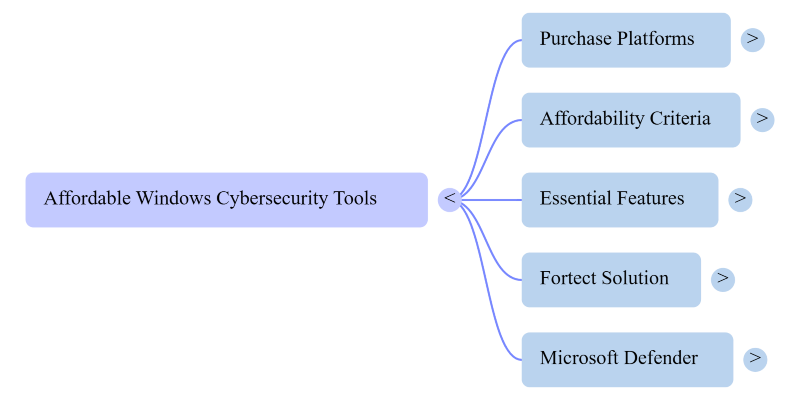
You can find affordable cybersecurity tools online through platforms like Amazon, the Microsoft Store, and dedicated security software websites. Many of which offer free tiers, discounted annual plans, or bundled solutions that cover multiple protection needs without breaking the bank. If you’re a Windows home user trying to protect your PC without spending a fortune, the good news is that robust protection doesn’t have to cost hundreds of dollars a year.
The bigger challenge isn’t finding tools, it’s knowing which ones actually deliver value. The cybersecurity market is crowded with products that promise the world and deliver bloatware. We will cut through the noise and point you toward the best places to buy, what to look for, and one all-in-one solution that covers most of your bases right out of the gate.
Key Takeaways
- Affordable cybersecurity tools are widely available on Amazon, the Microsoft Store, and vendor websites. They often offer significant discounts on annual plans.
- Don’t judge value by price alone. Look for tools that bundle real-time protection, malware removal, and system optimization in a single license.
- Outdated drivers are a security risk, not just a performance issue. Choose tools that include driver management to close this vulnerability.
- Most modern free antivirus software now includes real-time protection (it’s become standard), though some, like Malwarebytes Free, still don’t.
- Fortect combines security and PC optimization in one package. Making it a strong candidate if you want comprehensive protection without managing multiple subscriptions.
What Makes a Cybersecurity Tool “Affordable”?
Affordable doesn’t mean cheap or stripped-down. For Windows home users, a genuinely affordable cybersecurity tool should offer real-time threat detection, malware removal, and system protection. A price that makes sense for personal or household use, ideally under $50 per year for a single device. Although Fortect costs $58.95+ but, it has a complete cybersecurity defense, especially the premium.
Watch out for tools that charge separately for what should come standard. Firewall protection, driver updates, ransomware shields, and PC optimization are often sold as add-ons by larger vendors. The best value comes from solutions that bundle these capabilities into a single license.
Best Places to Buy Affordable Cybersecurity Tools Online
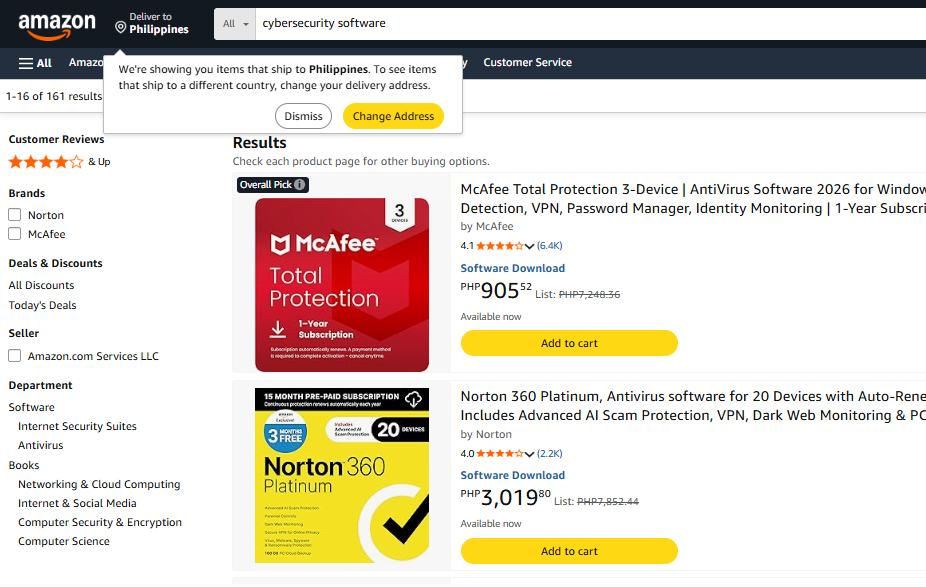
Amazon is one of the most convenient starting points. You’ll find digital download codes for major antivirus and security suites from brands like Bitdefender, Malwarebytes, and Norton, often at steep discounts. Especially during Prime Day and Black Friday sales. Read reviews carefully and stick to verified sellers.
The Microsoft Store is worth checking for Windows-native security tools. Microsoft Defender’s ransomware protection feature, Controlled Folder Access, is turned off by default. Since many users never enable it, their files may remain exposed to ransomware attacks. Third-party tools sold through the Microsoft Store also go through a vetting process, reducing the risk of downloading something malicious.
Official vendor websites, such as those for Malwarebytes, Avast, AVG, and similar products, frequently run promotions directly through their own storefronts. Buying direct also ensures you get the latest version and legitimate license keys. Many offer a free version alongside paid tiers, so you can test before committing.
G2 and Capterra aren’t stores, but they’re excellent comparison resources before you buy. Both aggregate verified user reviews and often link directly to vendor pricing pages, helping you compare what’s actually included in each plan.
Features Worth Paying For
When comparing affordable cybersecurity tools, prioritize these core capabilities:
Real-time malware detection and removal should be non-negotiable. Any tool that only scans on demand leaves your system vulnerable between manual checks. You also want ransomware protection, since ransomware attacks on home users have surged in recent years, and many free antivirus tools don’t block it proactively.
Driver security is another often-overlooked feature. Outdated or corrupted drivers are a common attack vector; they can be exploited to bypass system-level protections. A tool that manages driver updates closes this gap automatically.
Finally, PC performance optimization matters more than most buyers realize. Malware often hides behind sluggish performance, junk files, corrupted registry entries, and crashed background processes, which can all mask deeper problems. A security tool that also handles cleanup gives you a clearer picture of your system’s actual health.
Start Your Protection With Fortect
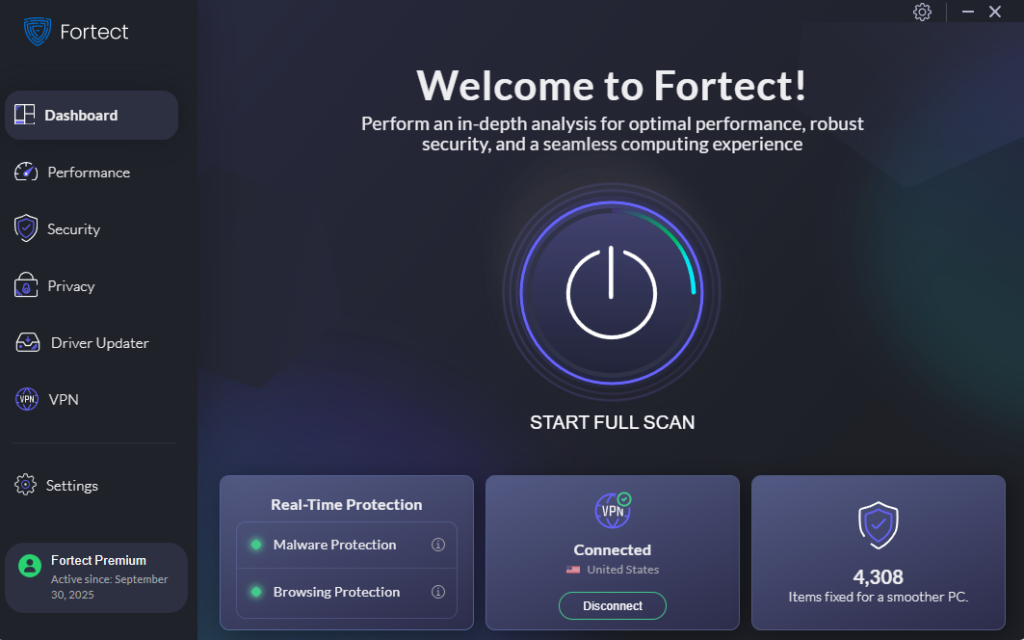
For most home users, Microsoft Defender with features like Controlled Folder Access enabled, combined with safe browsing habits, provides solid everyday protection. However, if you prefer an all-in-one solution with extras such as a built-in driver updater, VPN, and system repair tools, Fortect may be worth considering as an additional layer of convenience and security.
Fortect’s real-time protection actively monitors your system for threats, removes detected malware, and goes a step further by restoring damaged or corrupted system files, something most standalone antivirus tools won’t touch. That means you’re not just blocking threats; you’re repairing the damage they leave behind.
Beyond security, Fortect runs a thorough cleanup of junk files and crashed programs that drag down your PC’s performance. A faster machine is easier to monitor and less likely to be masking active threats beneath general sluggishness.
Where Fortect really stands apart is its built-in Driver Updater. Rather than leaving outdated drivers in place, a gap that attackers frequently exploit to escalate privileges or bypass defenses, Fortect automatically identifies and replaces them with verified, manufacturer-approved versions. It’s a security measure most users never think about until it’s too late.
If you’ve been looking for one solution that handles protection, cleanup, and driver management without needing a separate subscription for each, give Fortect a try. It’s designed to run quietly in the background and handle the technical heavy lifting so you don’t have to.