Cybersecurity Facts and Statistics in 2026
Cybersecurity threats continue to evolve rapidly in 2026, with recent reports showing a sharp rise in AI-driven attacks, ransomware, and large-scale data breaches in 2026.
Included in this research are real-world examples of recent cyber incidents in 2026 to help you understand how these threats are playing out globally. We will break down what these trends mean for everyday home users, whether you’re on Windows or macOS/iOS, so you can take practical steps to better protect your personal data, devices, and online activity from modern attackers.
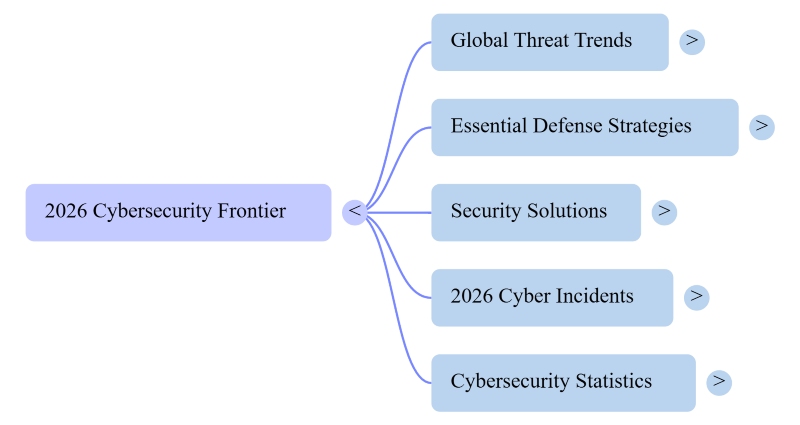
Overall Threat and Incident Trends
The United Nations officially opened a global cybercrime treaty for signature in October 2025, with 74 countries already signed on, a sign of just how serious the problem has become.
Three trends are behind the surge:
- Automation: Attack tools now scan and compromise thousands of devices in minutes, with no human needed.
- AI-generated deception: Criminals use AI to craft convincing fake emails, texts, and websites that are increasingly hard to spot.
- Cybercrime-as-a-service: Anyone can pay to launch an attack. No technical skills required.
What Should You Do?
Keep everything updated. Software updates patch the security holes that attackers actively exploit. Turn on automatic updates for your OS and apps, don’t snooze them.
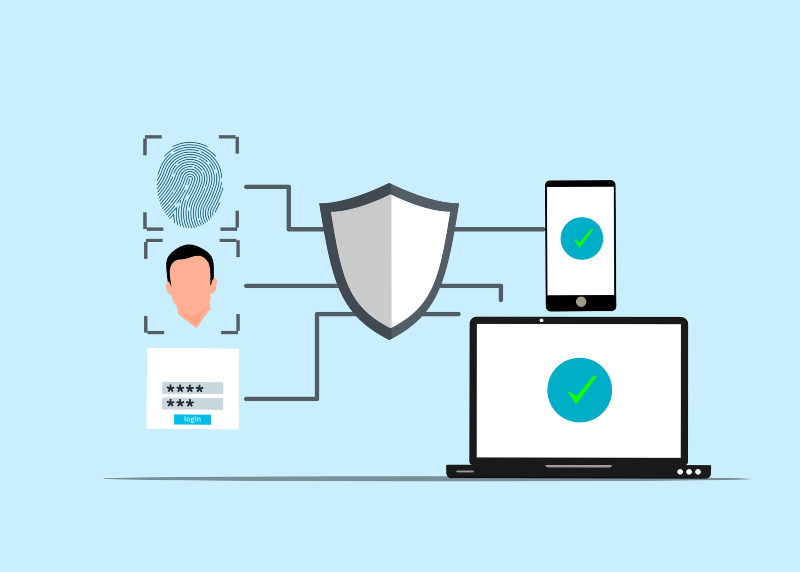
Use multi-factor authentication (MFA). A stolen password alone won’t be enough to get into your accounts if MFA is on. Enable it everywhere you can, starting with email and banking.
Update your drivers. Outdated or corrupted drivers are a lesser-known vulnerability that attackers take advantage of. Keep them current, especially on Windows.
Use a VPN on public Wi-Fi. Coffee shops, airports, and hotels are hunting grounds for attackers intercepting your traffic. A VPN encrypts your connection automatically.
Practice basic browsing hygiene. Don’t click links in unsolicited emails or texts. If something feels off, it probably is; verify through the official website directly.
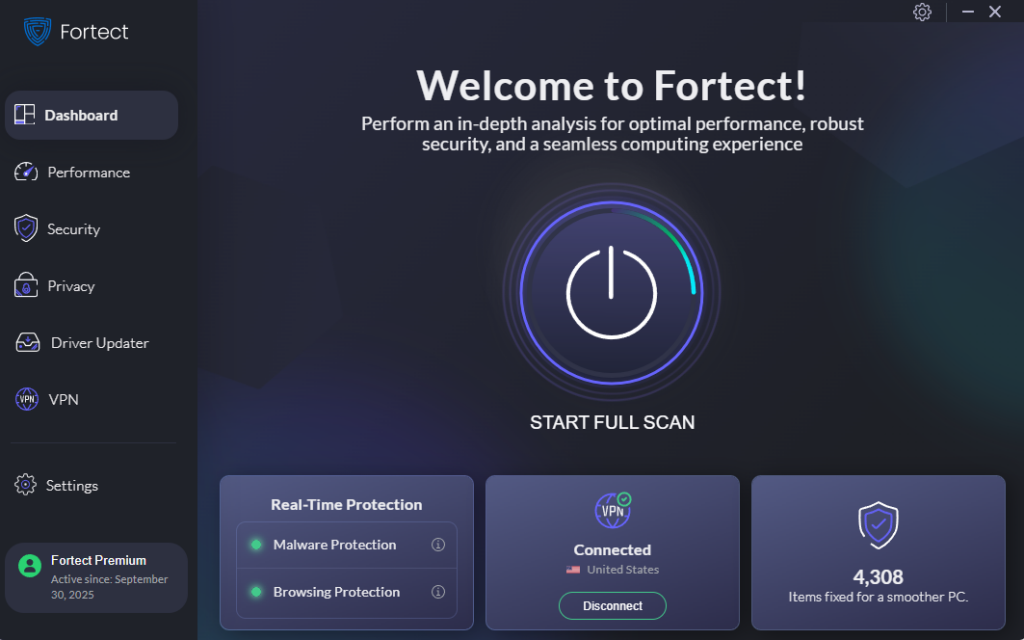
Get a reliable all-in-one security solution. Traditional antivirus isn’t enough anymore. Modern threats, including AI-powered malware, require real-time, behavior-based protection.Fortect covers this with real-time malware detection built for today’s threat landscape. The premium plan adds a built-in Driver Updater to fix vulnerable drivers automatically, plus a built-in VPN that activates whenever you connect to public Wi-Fi, two attack surfaces most standalone antivirus products leave unaddressed.
Download and install Fortect today.
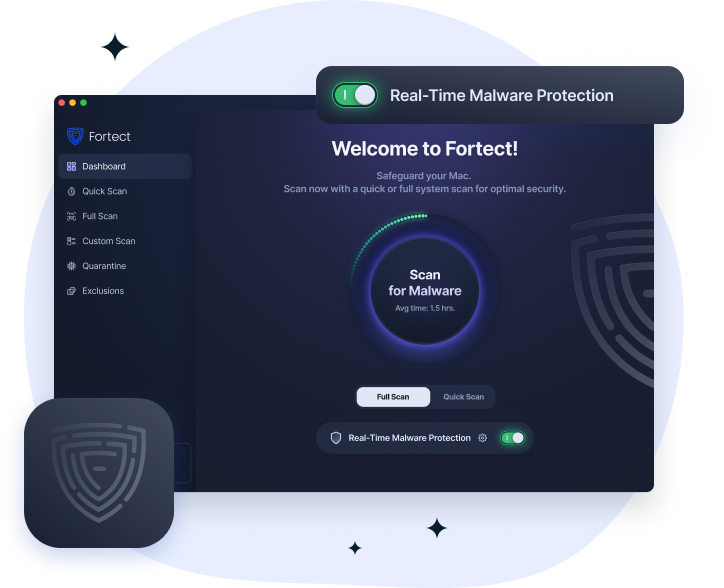
Fortect for Mac: Strengthen Your Defense Beyond macOS. Cybercriminals are no longer targeting only Windows users. Modern ransomware, spyware, and stealth attacks are increasingly built to bypass macOS defenses, and built-in security alone isn’t enough to stop them. Fortect for Mac delivers real-time protection that works alongside Apple’s native security, filling the gaps attackers exploit most.
Stay skeptical. Before clicking anything, pause and ask: Did I expect this? If you’re not sure, ask someone you trust before proceeding.
Alarming Cyber Incident All Over the World
The cyber incidents below, based on the CSIS Significant Cyber Incidents Timeline, highlight major attacks and data breaches reported in 2026, not including the many significant threats recorded in earlier years. They show that cyberattacks against governments, businesses, and critical infrastructure continue to escalate.
While many of these incidents targeted large organizations, home users shouldn’t assume they’re safe. If major institutions can be breached, individuals can also become victims of ransomware, phishing, malware, and identity theft.
March 2026
- Qilin ransomware attacked Germany’s Die Linke political party.The
- European Commission suffered a cloud infrastructure cyberattack.
- Foster City, California, halted public services after ransomware.
- Stryker faced a major attack linked to Iranian group Handala.
- Telus confirmed a breach; ShinyHunters claimed 700TB of stolen data.
February 2026
- China-linked UNC3886 breached Singapore’s telecom providers.
- France exposed 1.2 million bank account records through stolen credentials.
- Iranian prayer app BadeSaba was hijacked for anti-regime messaging.
- European Commission and Dutch agencies hacked via Ivanti zero-days.
- Ransomware shut down University of Mississippi Medical Center clinics.
January 2026
- Russia-linked Electrum targeted Poland’s energy infrastructure.
- APT36 spied on Indian government and academic institutions.
- ShinyHunters stole over 2 million Crunchbase records.
- APT28 launched “Operation Neusploit” across Eastern Europe.
- Cyberattack disrupted Russia’s Vladimir Bread Factory.
How Reliable Are Cybersecurity Statistics?
You’ve probably seen headlines like “cybercrime will cost the world $10 trillion.” Those numbers aren’t made up, but they’re not exact either. Most come from a handful of industry studies based on older data and projected forward. Researchers themselves admit these figures are useful for understanding the scale of the problem, not as precise measurements.
What this means for you: don’t wait for a perfect number to take action. Whether the real cost is $8 trillion or $12 trillion, the point is the same: attacks are happening constantly, real people are losing money and personal data, and home users are just as much a target as large corporations.
You don’t need to follow cybersecurity news obsessively to stay safe. What you do need is a basic routine: keep your devices updated, use strong, unique passwords with MFA turned on, think twice before clicking anything unexpected, and make sure you have active protection running on your device, not just the default tools that came with it. The threats have gotten more sophisticated, and your defenses should match.
Cybersecurity Frequently Asked Questions
How to choose a secure VPN service for home use?
- Choose a VPN with a no-logs policy; it should not store your browsing activity. Look for independent audits confirming this.
- Use only VPNs that support AES-256 encryption and modern protocols like WireGuard or OpenVPN.
- Avoid free VPNs; many monetize your data. Paid services like Mullvad, ProtonVPN, or NordVPN are safer bets.
- Make sure it has a kill switch that cuts your internet if the VPN drops, preventing data leaks.
- Check the jurisdiction, VPNs based in 5/9/14 Eyes countries may be compelled to hand over data. Opt for providers in privacy-friendly countries (Switzerland, Iceland, Panama).
- Look for support on all your devices: Windows, macOS, iOS, and Android.
Top-rated Antivirus programs for Windows computers
- Bitdefender Total Security: Consistently top-rated for detection rates, low system impact, and multi-layer ransomware protection.
- Kaspersky Standard: Strong malware detection; note: some governments have flagged it due to Russian origins, weigh based on your threat model.
- Norton 360: Good all-around protection with VPN, dark web monitoring, and cloud backup included.
- Malwarebytes Premium: Excellent for catching threats that traditional AVs miss; best used alongside Windows Defender.
- Windows Defender (built-in): Free, passable for basic protection. Enough for low-risk users; pair with a dedicated tool for better coverage.
- Fortect: Good for users who want combined security and PC optimization (real-time malware protection + performance cleanup + driver updates) in one tool.
Where can I buy affordable cybersecurity tools online?
- Official vendor websites: Best for legit licenses. Most run seasonal deals (Black Friday, back-to-school). Bookmark Bitdefender, Norton, Malwarebytes, and Fortect directly.
- StackSocial and TechBargains: Aggregate deals on software bundles, often at 60–80% off retail price.
- Amazon: Check for downloadable software keys. Filter for verified sellers only; avoid third-party key resellers with low ratings.
- Newegg: Good for bundled security suites, especially during promo periods.
- Avoid buying license keys from eBay, G2A, or unknown Telegram/Discord sellers; counterfeit or already-used keys are common.
- Look for multi-device plans, usually better value than single-device licenses.
How to choose the best antivirus software for home use?
- Check independent lab test scores first; AV-TEST and AV-Comparatives run regular benchmarks. Use these, not marketing claims.
- Match protection level to your habits: light web user → Windows Defender is fine. Online shopping, banking, streaming → paid AV with real-time protection.
- Prioritize real-time protection over on-demand scanning only. Threats don’t wait for you to run a scan.
- Check system performance impact. A security tool that slows your PC significantly isn’t practical for daily use.
- Look for ransomware protection and phishing detection as minimum non-negotiables in 2025 and beyond.
- For users who want an all-in-one fix, security + PC cleanup + driver management, tools like Fortect reduce the need for multiple separate apps.
- Avoid products with excessive upsells or that push unnecessary upgrades every login.