
Windows Computer Threats: Common Examples
Windows computer threats include malware, phishing scams, ransomware, spyware, and outdated software vulnerabilities. These threats quietly target everyday PCs through email attachments, fake downloads, and unsecured networks. Investing in an all-in-one tool like Fortect helps keep your PC protected and running smoothly against them. Recognizing these threats early is the easiest way to keep a Windows PC safe and fast.
What Are the Most Common Windows Computer Threats?
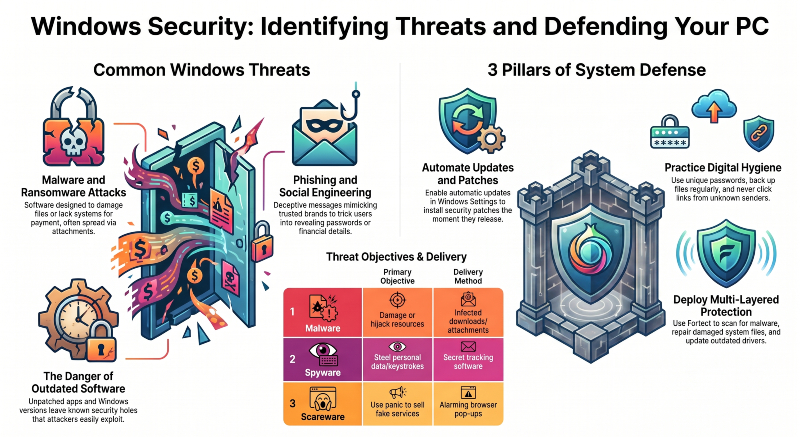
Most Windows computer threats fall into a few recognizable categories. These include malicious software, deceptive scams, and security gaps left open by outdated programs. Each one works differently, but all aim to steal data or hijack resources.
Malware and Viruses
Malware is software designed to damage, disable, or take control of a PC. It typically spreads through infected email attachments, cracked software, and malicious websites. No permission from the user is required for it to take hold.
Phishing and Social Engineering Scams
Phishing tricks users into handing over passwords or financial details. Scammers use fake emails, texts, or pop-ups to steal this information. These messages often mimic trusted brands like banks or shipping companies.
Ransomware Attacks
Ransomware locks files or an entire system and demands payment for release. It commonly spreads through infected attachments, compromised downloads, or unpatched software. Victims often lose access to critical files within minutes of infection.
Spyware and Adware
Spyware secretly tracks browsing habits, keystrokes, or personal information. Attackers then receive this stolen data through hidden background connections. Adware floods the screen with unwanted pop-ups, often slowing the PC down.
Fake Tech Support and Scareware
Scareware shows alarming pop-ups claiming a PC is infected. These pop-ups push users to call a fake support number or buy unnecessary software. Panic drives results here, not any actual underlying threat.
Outdated Software: A Hidden Windows Computer Threat
Outdated Windows updates and apps leave known security holes unpatched. Attackers use these gaps as an easy way into a system. Many serious infections happen because a system ran unprotected software for too long.
How to Protect Your Windows PC From These Threats
Follow these steps to lower the risk of infection and keep a Windows PC running safely.
Keep Windows and Apps Updated
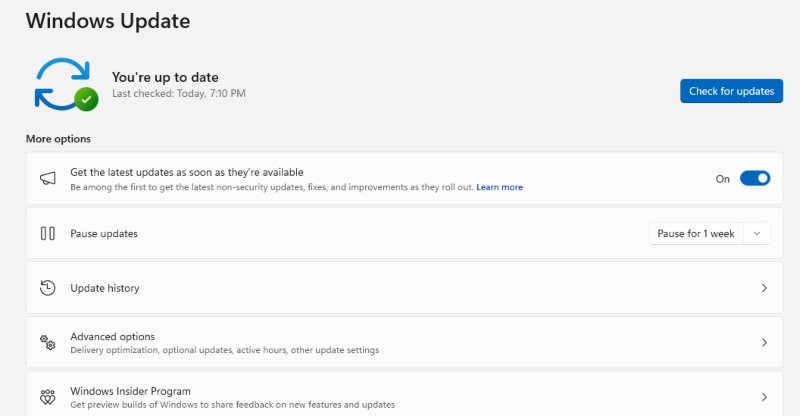
Turn on automatic updates under Settings > Windows Update. Security patches are then installed as soon as they are released.
Avoid Suspicious Links and Attachments
Never open email attachments or click links from unknown senders. This rule applies even when the message looks official.
Use Strong, Unique Passwords
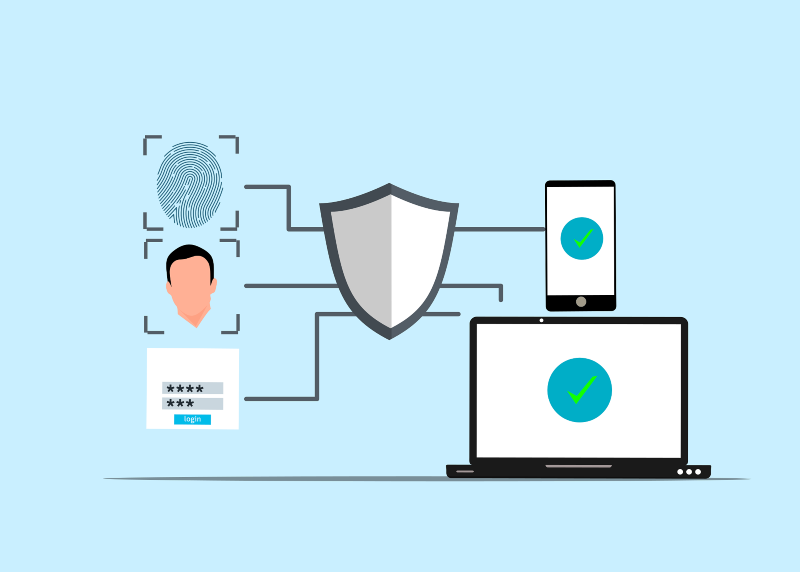
Create a different password for each account you own. Store these passwords in a trusted password manager instead of reusing one.
Back Up Important Files Regularly
Save copies of important documents and photos to an external drive. Cloud backups work well too, since ransomware cannot hold them hostage.
Install Reliable Security Software
A dedicated protection tool can catch threats that slip past Windows’ built-in defenses. This matters most for newer or disguised malware variants.
Strengthen Your PC Security with Fortect
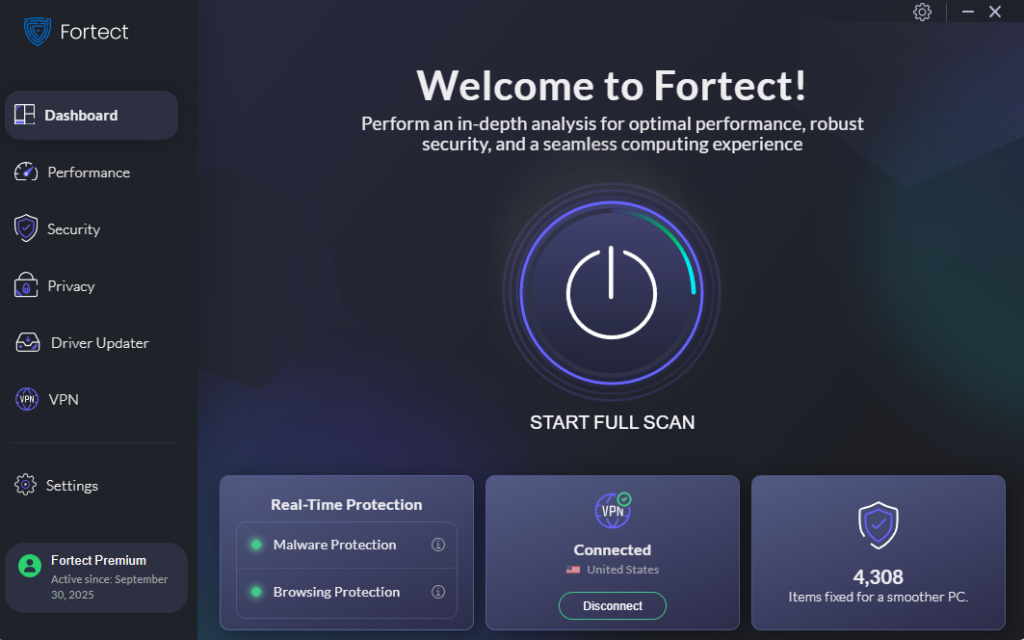
Fortect adds another layer of defense against the malware and viruses described above. It scans continuously and removes harmful files the moment it detects them. Fortect also repairs any system files damaged during an attack. This keeps the PC running smoothly instead of grinding to a halt. Beyond detection, it clears out junk files and leftover data from crashed programs. This process frees up the space and speed that threats quietly eat away.
Its built-in Driver Updater rounds out the protection by swapping outdated drivers for verified versions. This closes a security gap that attackers find simple to exploit. For anyone who wants fewer infections and faster performance, Fortect is worth a closer look.
Conclusion
Windows computer threats are not going away anytime soon. Most can be avoided with updated software and cautious browsing habits. Reliable security tools make a real difference, too. Staying a step ahead today means fewer headaches and less lost data. A well-protected PC keeps running the way it should.





