
Understanding Cyber-Physical Convergence Risks
Cyber-physical convergence risks refer to the security challenges that emerge when digital systems (software, networks, and cloud platforms) integrate with physical systems such as smart devices, IoT tools, and connected hardware. For Windows 10 and Windows 11 users, this integration is already part of daily life through smart homes, Bluetooth devices, cloud syncing, and connected peripherals.
While this connectivity improves convenience and automation, it also increases the number of entry points attackers can exploit.
What Are Cyber-Physical Convergence Risks?
Cyber-physical convergence risks happen when cyber systems directly interact with physical devices or environments. In simple terms, it means your Windows PC is no longer just handling files; it may also be controlling or communicating with physical devices.
Why It Matters for Windows Users
Windows systems often act as the control center for connected environments. If compromised, attackers may indirectly influence:
- Smart home devices (locks, lights, cameras)
- Bluetooth or USB-connected peripherals
- Cloud-synced accounts and services
- Network-connected IoT devices
This blending of environments increases both convenience and exposure to threats.
Common Examples of Cyber-Physical Threats
Smart Home Device Exploits
Attackers may compromise weak IoT devices connected to your Wi-Fi and use them as a gateway into your Windows PC.
Malware Through External Devices
Infected USB drives or peripherals can transfer malware into Windows systems, especially if AutoPlay or permissions are not managed properly.
Remote Device Manipulation
Hackers may exploit vulnerabilities to access or control smart cameras, locks, or sensors connected to your system.
Ransomware Targeting Connected Systems
Modern ransomware can spread beyond files and disrupt entire connected environments, locking users out of both digital and physical systems.
Why Cyber-Physical Risks Are Increasing
Several trends are making these risks more common:
Growth of IoT Devices
More households use smart devices, many of which have weak default security settings.
Deep Windows Integration
Windows 10 and Windows 11 systems are tightly integrated with cloud services, Bluetooth, and external applications.
Weak Security in Consumer Devices
Many smart devices prioritize convenience over security, leaving gaps for attackers.
Remote Work Expansion
Home networks now handle both personal and work systems, increasing exposure.
How Cyber-Physical Attacks Affect Windows 10/11 Users
These risks are not theoretical; they can lead to real consequences:
- Unauthorized access to Windows accounts
- Hijacked smart home systems
- Data theft from cloud-synced files
- Disruption of physical devices (cameras, locks, sensors)
- System slowdowns or ransomware lockouts
In some cases, attackers move from a single compromised device into an entire connected ecosystem.
How to Reduce Cyber-Physical Convergence Risks on Windows 10/11
Strengthen Your PC Security with Fortect
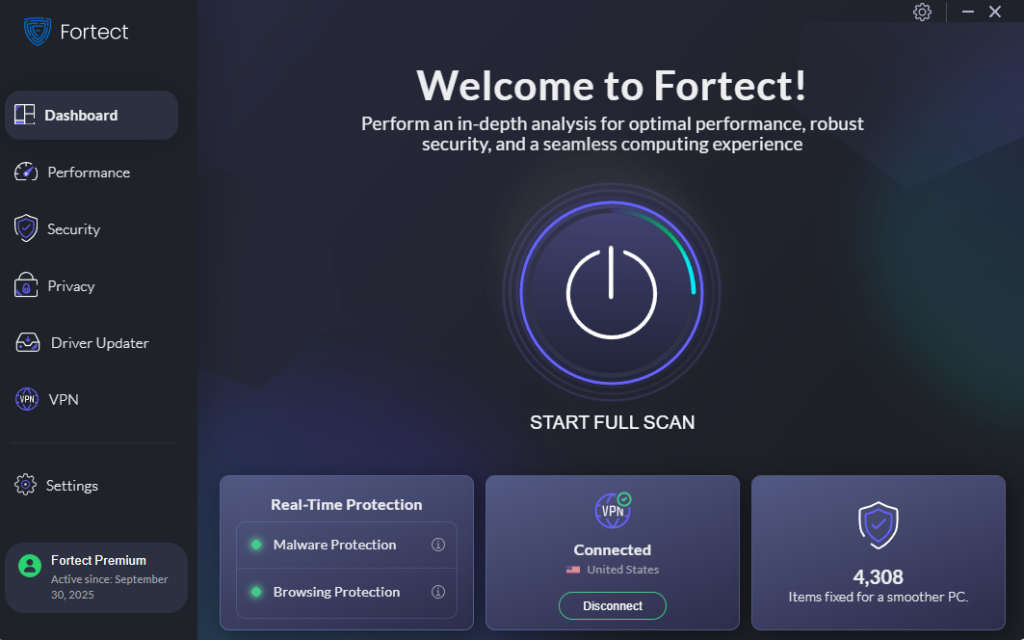
Fortect provides real-time protection for Windows users by scanning for malware, system file corruption, and security vulnerabilities that may be exploited in cyber-physical attacks, before they even spread to your other networking devices. It helps remove harmful software, repair damaged system files, and improve overall system stability. Continuous monitoring for suspicious activity, it supports safer Windows 10 and Windows 11 environments connected to smart devices and online services.
Download and install Fortect today.
Keep Windows Updated
How to update Windows 10/11:
- Open Settings
- Go to Update & Security (Windows 10) or Windows Update (Windows 11)
- Click Check for updates
- Install all available updates
- Restart your PC if required
Regular updates patch vulnerabilities that attackers may exploit.
Restrict Device Connections
How to manage connected devices:
- Open Settings
- Go to Bluetooth & devices
- Review paired devices
- Remove unused devices
- Turn off Bluetooth when not needed
This helps reduce unauthorized access points.
Strengthen User Account Security
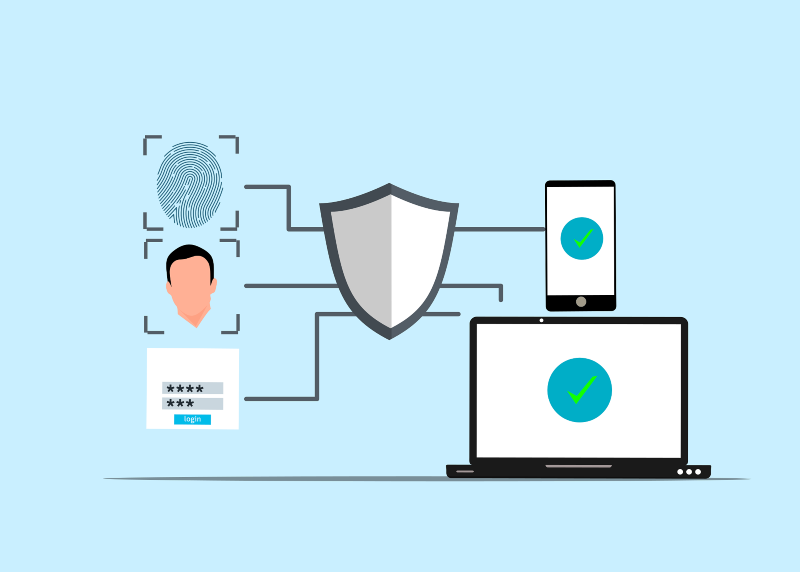
- Use strong, unique passwords
- Enable two-factor authentication (2FA)
- Avoid using administrator accounts daily
Enable Windows Hello:
- Go to Settings
- Select Accounts
- Open Sign-in options
- Enable PIN or biometric login
Secure Your Network
Improve Wi-Fi security:
- Access router settings
- Change default admin credentials
- Enable WPA2 or WPA3 encryption
- Disable remote access if unnecessary
- Set up a separate guest network for IoT devices
This isolates smart devices from your main PC.
Control App Permissions
Manage permissions:
- Open Settings
- Go to Privacy & security
- Review access for camera, microphone, location, and devices
- Disable unnecessary permissions
This reduces potential exploitation pathways.
Enable Windows Security Features
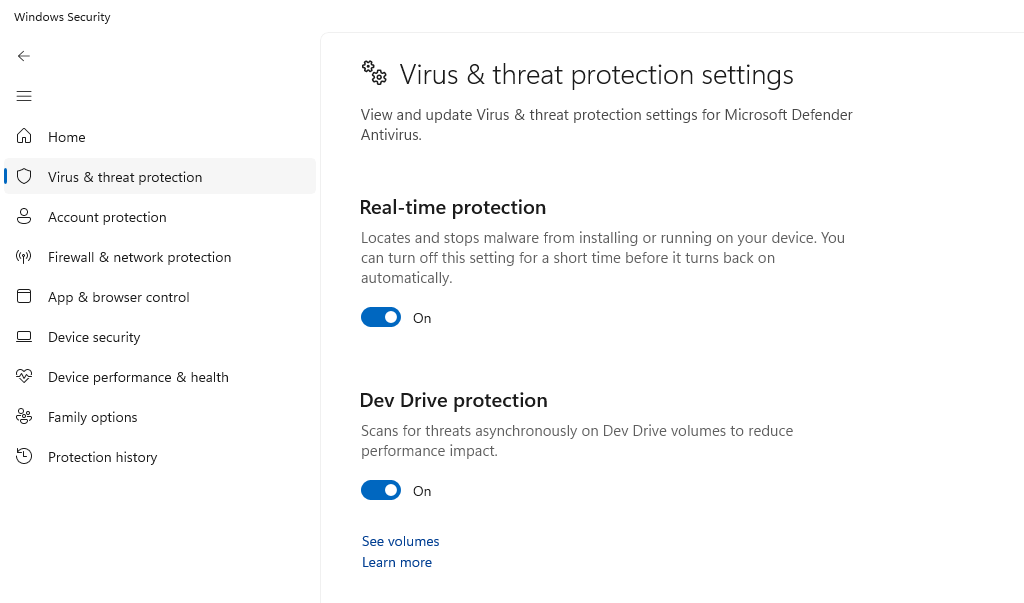
Turn on Firewall:
- Open Windows Security
- Go to Firewall & network protection
- Enable firewall for all networks
Also ensure:
- Real-time protection is active
- Cloud-delivered protection is enabled
Best Practices for Everyday Protection
- Avoid unknown USB devices
- Separate work and smart home networks
- Monitor unusual device behavior
- Restart the router and PC regularly
- Use trusted security tools such as Fortect.
Isolation remains one of the strongest defenses in connected environments.
Conclusion
Cyber-physical convergence highlights how deeply interconnected modern Windows systems have become with physical devices and smart environments. For Windows 10 and Windows 11 users, the challenge is no longer just protecting files; it is protecting an entire ecosystem of connected technologies.
Strong security today depends on layered protection: consistent Windows updates, strict device control, secure networking, and reliable real-time defense tools. As cyber and physical systems continue to merge, staying informed and proactive is the most effective way to maintain control over both your digital and physical environments.


