SOLVED: Malware Hiding in Windows Printing Provider DLLs
Malware hiding in Windows printing provider DLLs can be removed by scanning your system for malicious DLL modifications. Replace compromised files. Update vulnerable drivers. Repair damaged Windows components. Strengthen real-time protection to prevent reinfection.
Attackers target Windows printing components because they often receive little attention. A malicious printing provider DLL can load during print-related operations. That allows malware to run with trusted Windows processes. The result may include persistence. Credential theft. System instability. Or remote access.
Key Takeaways
- Malware hiding in Windows printing provider DLLs allows attackers to abuse trusted Windows printing components.
- Scan your PC immediately if printer services behave unexpectedly or system files become corrupted.
- Keep Windows and printer drivers updated to reduce DLL-based attack risks.
- Repair damaged system files after malware removal to restore Windows stability.
- Real-time protection and verified driver updates help prevent future DLL compromises.
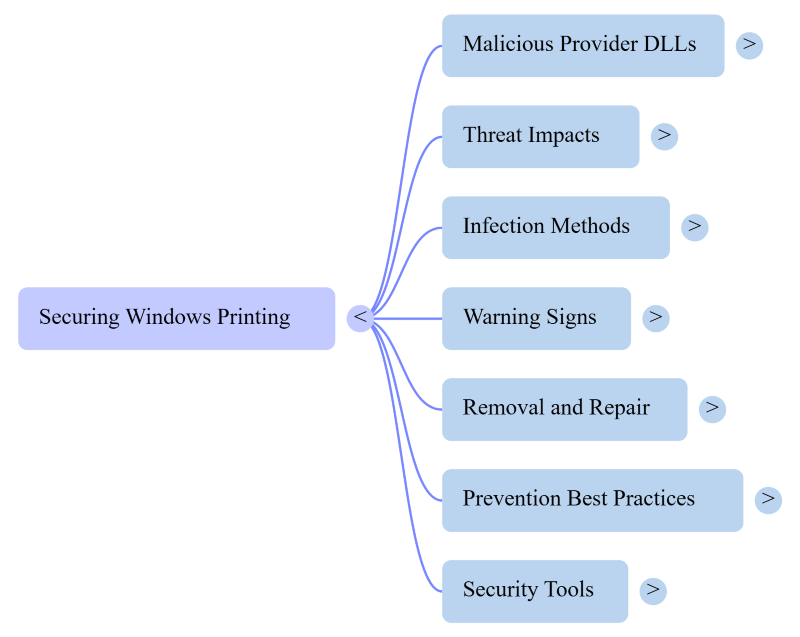
What Is Malware Hiding in Windows Printing Provider DLLs?
Windows uses printing provider DLLs to communicate with printers and print services. These Dynamic Link Library files help Windows process print jobs.
Cybercriminals sometimes replace legitimate DLLs with malicious versions. They may also inject malicious code into existing files. Windows can load these compromised DLLs without an obvious warning.
Once active, the malware may:
- Steal passwords or sensitive files.
- Download additional malware.
- Disable security software.
- Create hidden persistence mechanisms.
- Execute commands remotely.
The infection often remains unnoticed because printing services appear legitimate.
Signs Your Printing Provider DLL May Be Compromised
Several warning signs suggest an infected printing provider DLL.
- Unexpected printer service crashes.
- High CPU usage from Print Spooler.
- Unknown DLL files inside print-related folders.
- Frequent Windows errors involving spoolsv.exe.
- Antivirus alerts referencing printer services.
- Suspicious outbound network connections.
- Missing or corrupted system files.
These symptoms can also indicate other issues with Windows. Further investigation is necessary.
How Malware Infects Printing Provider DLLs
Attackers usually need an initial foothold before modifying DLL files.
Common infection methods include:
- Malicious email attachments.
- Fake driver downloads.
- Pirated software.
- Exploited Windows vulnerabilities.
- Trojan installers.
- Fake printer utility programs.
Some malware also abuses weak administrator permissions after gaining access.
How to Remove Malware from Printing Provider DLLs
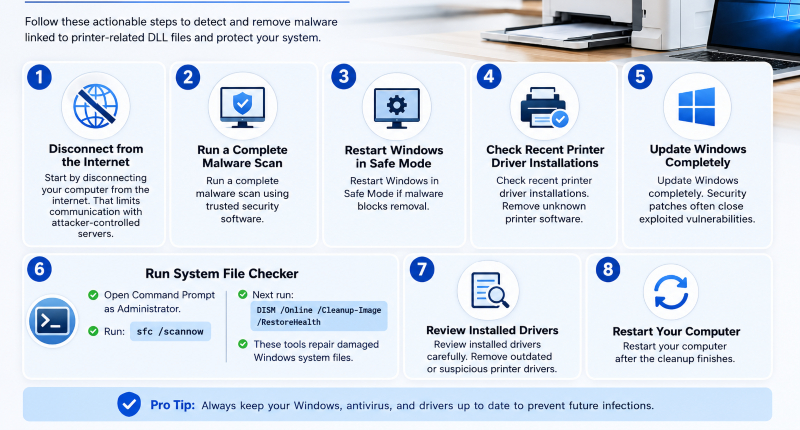
- Start by disconnecting your computer from the internet. That limits communication with attacker-controlled servers.
- Run a complete malware scan using trusted security software.
- Restart Windows in Safe Mode if malware blocks removal.
- Check recent printer driver installations. Remove unknown printer software.
- Update Windows completely. Security patches often close exploited vulnerabilities.
- Run System File Checker.
- Open Command Prompt as Administrator.
- Run: sfc /scannow
- Next run: DISM /Online /Cleanup-Image /RestoreHealth
- These tools repair damaged Windows system files.
Review installed drivers carefully. Remove outdated or suspicious printer drivers.
Restart your computer after the cleanup finishes.
Can Windows Defender Detect This Malware?
Windows Defender detects many known threats.
However. Advanced malware may use DLL side-loading. Fileless techniques. Or signed driver abuse.
Behavior-based detection improves protection against newer threats. Regular updates remain essential.
Running periodic system integrity checks also helps identify hidden compromises.
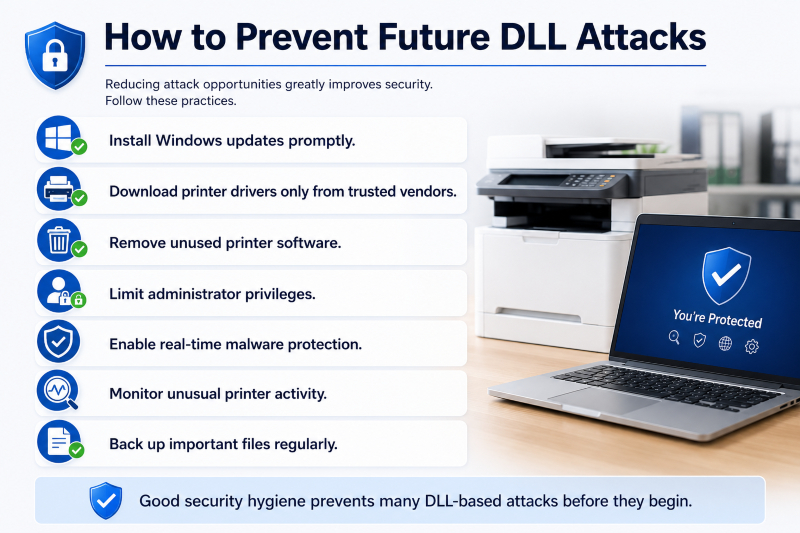
Reducing attack opportunities greatly improves security.
Follow these practices.
- Install Windows updates promptly.
- Download printer drivers only from trusted vendors.
- Remove unused printer software.
- Limit administrator privileges.
- Enable real-time malware protection.
- Monitor unusual printer activity.
- Back up important files regularly.
Good security hygiene prevents many DLL-based attacks before they begin.
A Practical Next Step with Fortect
If you suspect Malware Hiding in Windows printing provider DLLs, a thorough system audit can help identify hidden problems beyond traditional antivirus scans.
Launch Fortect and click Scan. It examines installed software. Drivers. System files. And critical Windows components. The scan highlights malicious files. Outdated drivers. Corrupted drivers. And damaged system files that may expose your PC to future attacks.
Fortect includes real-time protection that detects emerging threats. It removes active malware when found. It also repairs damaged Windows files after an infection. Beyond security. It cleans junk files and removes leftovers from crashed programs to improve overall system performance.
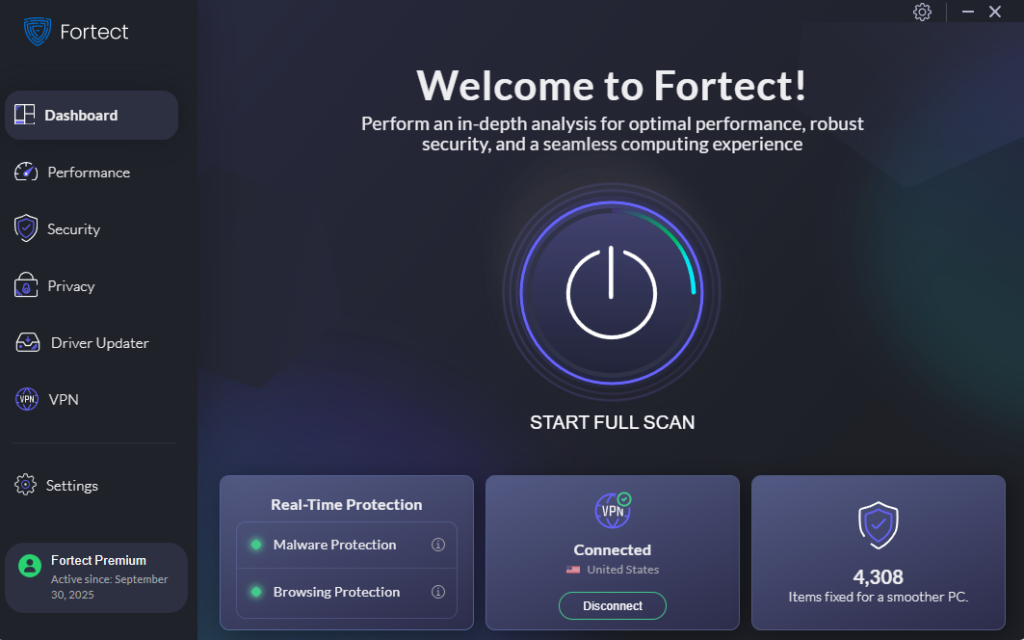
Malware hiding in Windows printing provider DLLs often works silently to evade detection and maintain persistence on a system. While Fortect Premium’s built-in VPN cannot remove DLL-based malware, it helps protect your internet connection with Auto-Protect on public Wi-Fi. Encrypting your online traffic, it reduces the risk of attackers intercepting your data or exploiting unsecured networks to deliver additional malware or steal sensitive information.
It’s built-in Driver Updater replaces outdated or corrupted drivers with verified versions. That closes security gaps that attackers frequently exploit.
If your computer shows unusual printing behavior or unexplained system issues. Fortect offers a practical option to inspect. Repair. And strengthen Windows without requiring advanced technical knowledge.