Ransomware 3.0: Double & Triple Extortion Explained
Users often assume that ransomware is simply about locking files, but modern attacks have evolved far beyond that. What we now call Ransomware 3.0 introduces double extortion and triple extortion tactics, where attackers don’t just encrypt your data; they weaponize it in multiple layers.
This shift has made ransomware more aggressive, particularly for Windows 10 and Windows 11 users who heavily rely on personal devices for banking, storage, and daily work.
What Is Ransomware 3.0?
Ransomware 3.0 refers to the modern generation of ransomware attacks that go beyond simple file encryption. Traditional ransomware locks your data and demands payment for recovery. Today’s version adds pressure tactics like:
- Stealing sensitive files before encryption
- Threatening to leak data publicly
- Targeting contacts or customers
- Launching additional attacks if the ransom is not paid
This evolution makes ransomware less of a “virus problem” and more of a full-scale data extortion strategy.
Double Extortion Explained
Double extortion ransomware combines two threats:
- File encryption – your data is locked and inaccessible
- Data theft – attackers copy your files before encryption
Even if you restore files using backups, attackers may still demand payment by threatening to leak your private data online.
Common targets include:
- Photos and personal documents
- Saved passwords and browser data
- Financial records stored on PCs
For Windows users, this is especially dangerous because many people store everything locally or in synced folders like OneDrive.
Triple Extortion Explained
Triple extortion ransomware adds another layer of pressure beyond encryption and data theft. Attackers may also:
- Launch DDoS attacks against your network
- Contact your friends, family, or employer directly
- Demand payment from multiple parties (victim + contacts + organization)
This tactic increases psychological pressure, making victims more likely to pay quickly. In some cases, even after paying, data still gets leaked or resold on dark web marketplaces.
How Ransomware 3.0 Attacks Work
Understanding the attack chain helps reduce risk. Typically, ransomware 3.0 follows these stages:
- Initial access – phishing emails, fake downloads, or malicious attachments
- Privilege escalation – gaining deeper control of the Windows system
- Data exfiltration – silently copying files
- Encryption phase – locking files and systems
- Extortion phase – ransom demand with threats of leaks or attacks
Most infections start with simple user actions like clicking a fake invoice or installing cracked software.
Warning Signs of Ransomware Infection
Early warning signs when reviewing cybersecurity reports often include:
- Sudden file renaming or unreadable files
- Slow system performance
- Unknown background processes in Task Manager
- Disabled antivirus or Windows Defender
- Ransom notes appearing on the desktop
If you notice these signs, immediate action is critical.
How to Protect Windows 10/11 From Ransomware 3.0
Protecting a Windows PC requires layered security. Here are practical, user-focused steps:
Keep Windows Updated
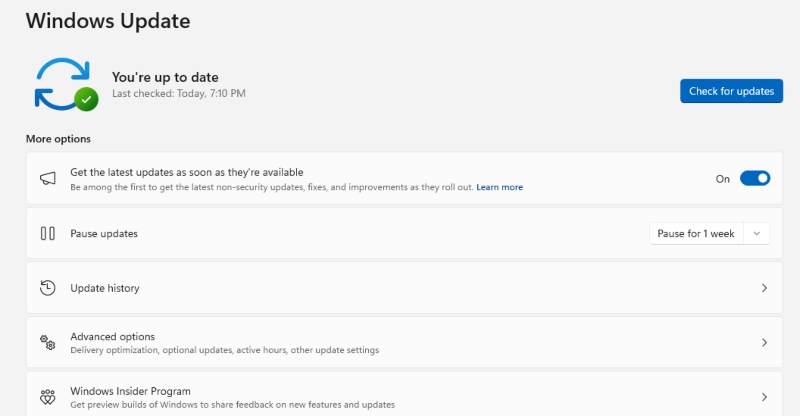
Microsoft frequently patches vulnerabilities used by ransomware.
Steps:
- Open Settings
- Go to Windows Update
- Click Check for updates
- Install all available updates
- Restart your PC
Enable Controlled Folder Access
This feature blocks unauthorized apps from modifying files.
Steps:
- Open Windows Security
- Click Virus & threat protection
- Select Ransomware protection
- Turn on Controlled folder access
- Add trusted apps if needed
Restrict User Permissions
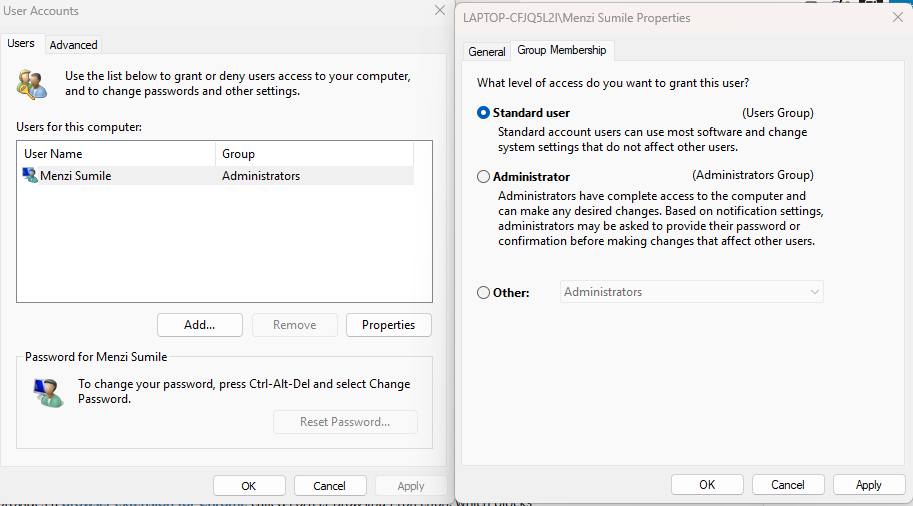
Limiting admin access reduces attack impact.
Steps:
- Open Settings
- Go to Accounts > Family & other users
- Select a user account
- Change account type to Standard User
This prevents malware from gaining full system control easily.
Use a Strong Backup Strategy
Backups are your best recovery tool.
Recommended approach:
- Use external hard drives (offline backup)
- Enable OneDrive backup with version history
- Keep at least one backup disconnected from your PC
Strengthen Windows Defender
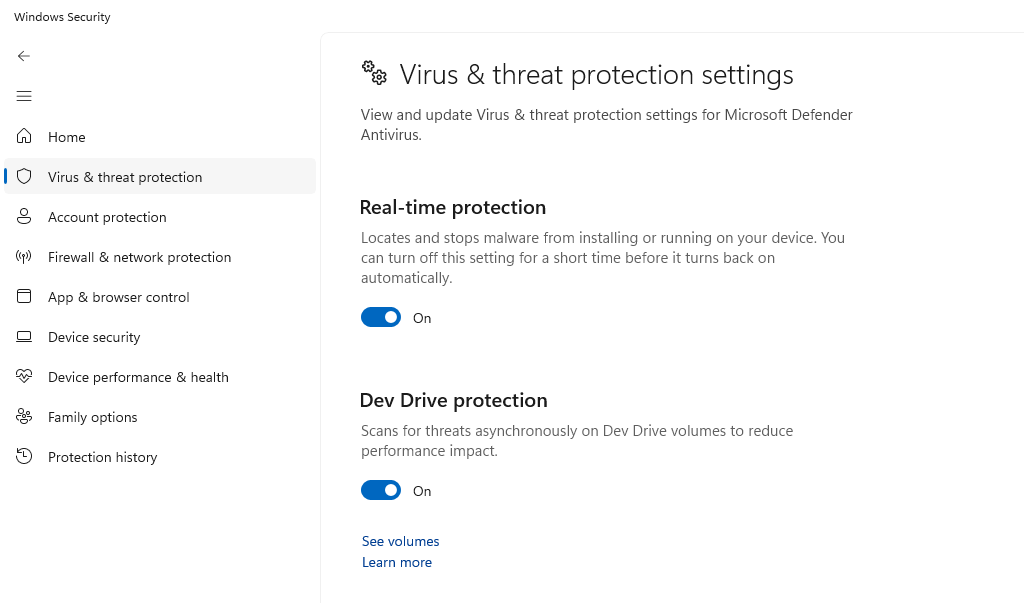
Windows Defender is powerful when configured properly.
Steps:
- Open Windows Security
- Go to Virus & threat protection
- Enable:
- Real-time protection
- Cloud-delivered protection
- Automatic sample submission
Avoid High-Risk Downloads
Most ransomware infections come from unsafe sources:
- Cracked software
- Suspicious email attachments
- Unknown websites or torrents
Download only from verified sources like the Microsoft Store or official vendor websites.
Strengthen Your PC Security with Fortect
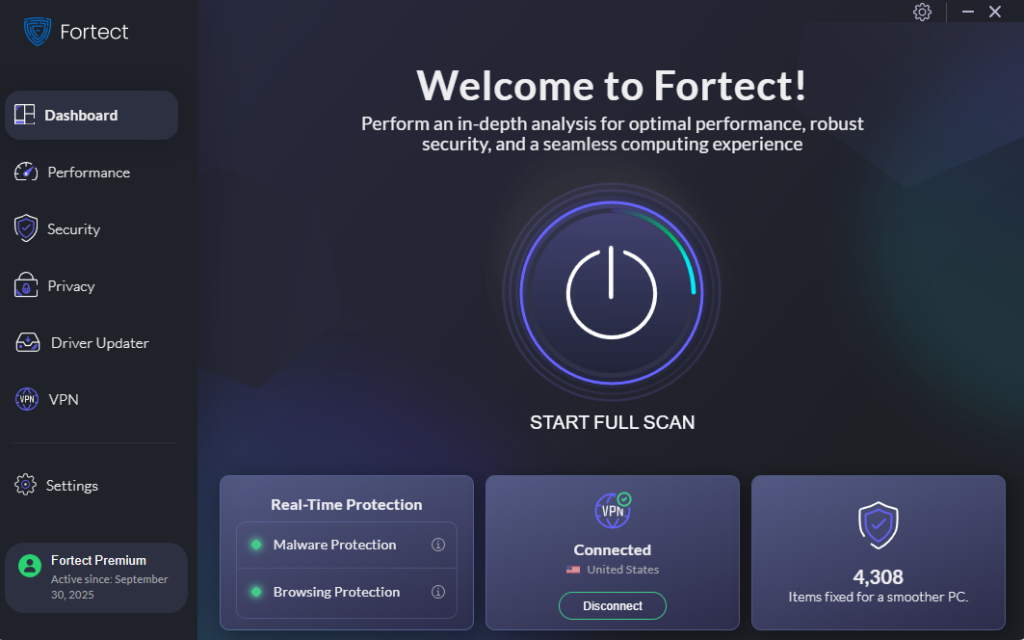
Fortect delivers advanced real-time malware protection for Windows users. It automatically scans your PC for traditional and emerging threats, including ransomware 3.0, eliminates them safely, and restores damaged system files for improved performance. Its robust threat-detection engine monitors suspicious activity and alerts you before harmful actions can take place, helping keep your device secure and running efficiently. By adding an extra layer of defense, Fortect helps reduce the risk of ransomware infections and strengthens overall system resilience against evolving cyber threats.
Download and install Fortect now for your Windows computer.
Cyber threats are no longer limited to Windows, and Ransomware 3.0 with double and triple extortion tactics is increasingly targeting macOS users as well. Even with built-in Apple security, modern attacks can bypass defenses through phishing, malicious downloads, and silent data theft.
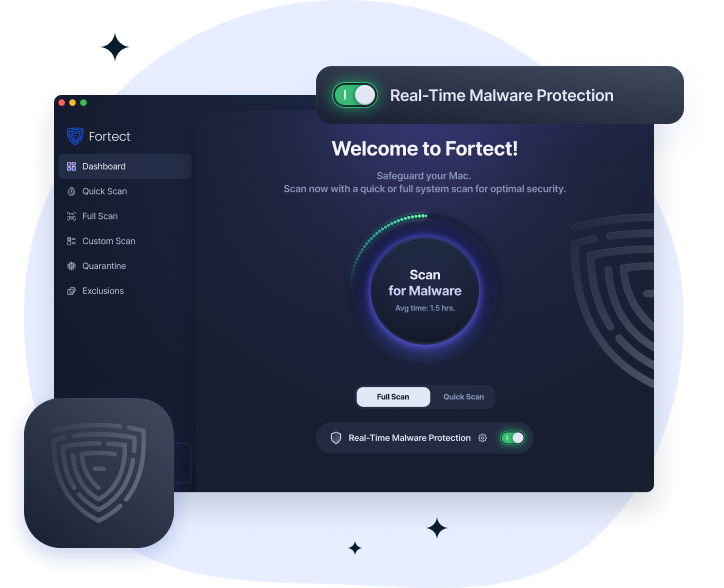
Fortect for Mac adds an extra layer of real-time protection, working alongside macOS security to close gaps commonly exploited by ransomware and spyware.
Key Features:
- Real-Time Malware Protection: Detects and blocks ransomware activity before data is encrypted or stolen
- Cloud-Based Threat Intelligence: Identifies old and new Ransomware 3.0 attack patterns in real time
- Quick Smart Scan: Fast scanning to spot hidden threats without system slowdown
Why Ransomware 3.0 Is More Dangerous
What makes ransomware 3.0 more alarming is not just the encryption, but the multi-layered pressure system. Even users with backups may still face threats of data exposure. This shifts the attack from technical damage to psychological manipulation.
Government cybersecurity agencies like CISA (Cybersecurity & Infrastructure Security Agency) consistently emphasize that prevention is far more effective than recovery when dealing with modern ransomware threats.
Conclusion
Ransomware 3.0 represents a major shift in how cybercriminals operate. Instead of simply locking files, attackers now steal, threaten, and pressure victims from multiple angles. For Windows 10 and Windows 11 users, the best defense is a combination of system updates, restricted permissions, secure backups, and cautious online behavior.
In my opinion, treating ransomware as a “maybe someday” risk is no longer realistic; it’s a daily security concern that requires active prevention.