
Malware Damage
Malware and virus attacks can be very harmful to your system, especially by tweaking, corrupting, and damaging important system files. Even an Antivirus cannot undo the damage as it only cleans and deletes infected elements.
We will help you understand how to get your Windows OS back on track after you have cleaned your PC from malware infection.


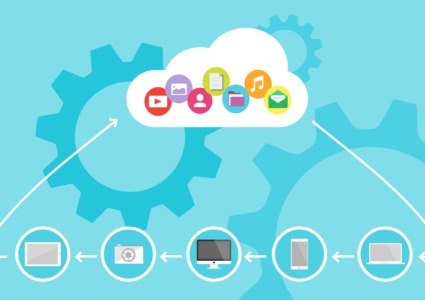
How Cloud Sync Malware Spreads Across Your Devices
February 24th, 2026
Menzi Sumile
February 24th, 2026
ShadowV2 Botnet: What Home Users Should Know
February 24th, 2026
Menzi Sumile
February 24th, 2026

Malware Targeting Freelancers and Remote Workers
February 22nd, 2026
Menzi Sumile
February 22nd, 2026

Get the latest security news in your inbox.

How AI Is Powering Automated Cybercrime Attacks
January 27th, 2026
Menzi Sumile
January 27th, 2026
Fake AI Tools That Install Malware: What Users Must Know
January 27th, 2026
Menzi Sumile
January 27th, 2026

2026 Windows vs Mac Malware: Myths vs Reality
January 21st, 2026
Menzi Sumile
January 21st, 2026

Juice Jacking Attack: How It Puts Your Data at Risk
January 19th, 2026
Menzi Sumile
January 19th, 2026
Fake File Converters & Document Tools: Hidden Dangers
January 19th, 2026
Menzi Sumile
January 19th, 2026

Stop Fake Scholarship & Job Email Scams on Windows/Mac
January 19th, 2026
Menzi Sumile
January 19th, 2026

Protect Your Windows PC From Free Streaming Download Malware
January 11th, 2026
Menzi Sumile
January 11th, 2026
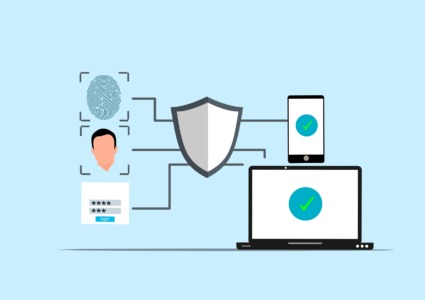
Two-Factor Authentication: Why It Matters for Security
January 08th, 2026
Menzi Sumile
January 08th, 2026

Wi-Fi Pineapple Hacking: Definition and Prevention
January 08th, 2026
Menzi Sumile
January 08th, 2026
How to Block Hidden Screen Recorder Malware
January 08th, 2026
Menzi Sumile
January 08th, 2026
Get the latest security news in your inbox.
These also might be interesting for you
BlackCat (ALPHV): New Elite Ransomware Tactics
June 22nd, 2026
Menzi Sumile
June 22nd, 2026

System-Level Threats: The Type of Malware Your Antivirus Might Miss
October 28th, 2025
Menzi Sumile
October 28th, 2025
