
How to Detect and Remove Malware in Windows WMI
Detecting and removing malware in WMI starts with knowing where to look and acting before the infection spreads deeper into your system.
Windows Management Instrumentation is a powerful built-in feature that helps Windows manage processes, hardware, and system settings. Because it runs quietly in the background with elevated privileges, attackers use it as a hiding spot for persistent malware that survives reboots and evades basic antivirus scans.
If your PC is running slow, behaving strangely, or if you’ve recently clicked a suspicious link, a WMI provider malware attack may already be underway.
What Is Windows Management Instrumentation?
WMI is a legitimate Windows system component, but cybercriminals exploit it by planting malicious scripts inside it. This technique is called a WMI persistence attack.
The malware creates event subscriptions inside WMI that quietly trigger every time Windows starts up. Because it lives inside the system itself rather than in a traditional file, it’s much harder to detect.
Windows management instrumentation malware often leaves no obvious trace. That’s what makes it especially dangerous for everyday users.
SIGNS YOUR SYSTEM MAY BE INFECTED
- Your PC is noticeably slower than usual, even after a restart
- Unfamiliar processes appear in Task Manager, using high CPU or memory
- Your security software has been disabled or keeps crashing
- The system behaves differently after updates or reboots
These symptoms don’t guarantee a WMI infection, but they’re worth investigating.
HOW TO DETECT AND REMOVE MALWARE IN WMI
1: Open PowerShell as Administrator
Click the Start menu, type PowerShell, right-click it, and select Run as administrator. This gives you the access needed to inspect WMI subscriptions.
2: Check for Suspicious WMI Subscriptions
Run this command to list active event filters — these are the triggers malware uses to stay active:
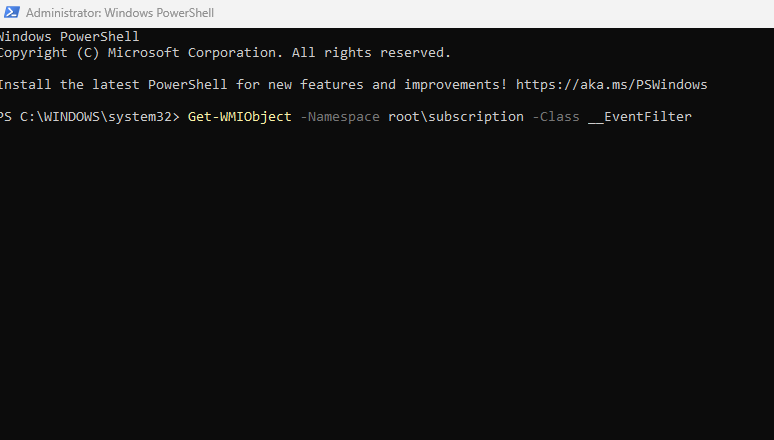
Get-WMIObject -Namespace root\subscription -Class __EventFilter
Then run these two commands to see what actions are tied to those triggers:
Get-WMIObject -Namespace root\subscription -Class __EventConsumer
Get-WMIObject -Namespace root\subscription -Class __FilterToConsumerBinding
If any results appear that you don’t recognize — especially ones referencing scripts, executables, or random-looking names — that’s a red flag.
3: Remove the Malicious Entries
If you find a suspicious filter, remove it with:
Get-WMIObject -Namespace root\subscription -Class __EventFilter | Where-Object {$_.Name -eq “SuspiciousName”} | Remove-WmiObject
Replace “SuspiciousName” with the name you found. Repeat the same process for the EventConsumer and FilterToConsumerBinding entries using the same name.
4: Restart and Scan
After removing the entries, restart your PC. Run a full system scan with a trusted security tool to confirm the threat has been cleared and no secondary infections remain.
PROTECT YOUR PC AUTOMATICALLY WITH FORTECT
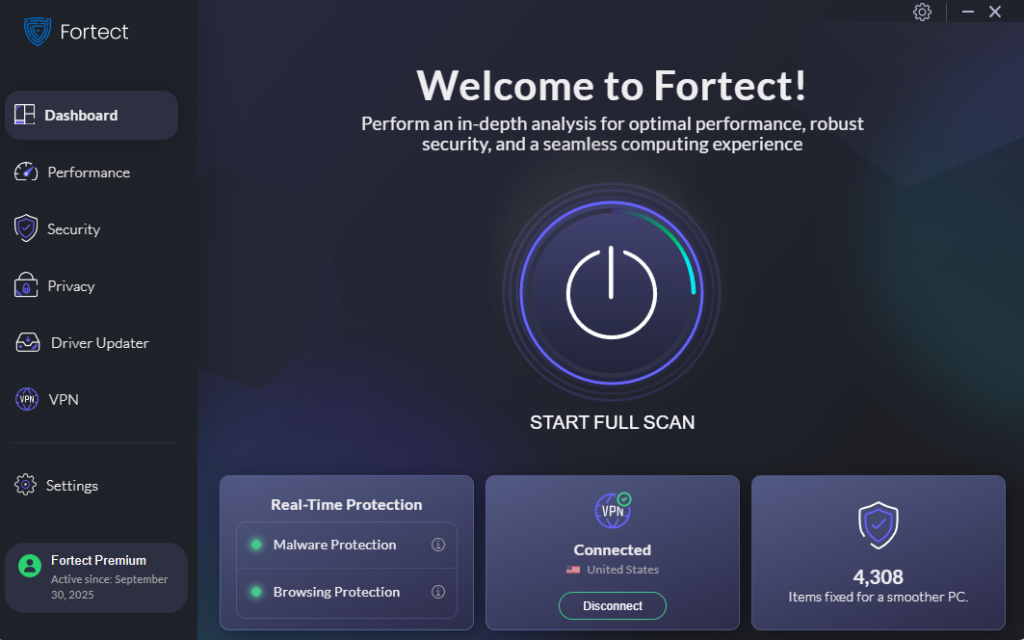
Manually hunting through PowerShell worksbut it’s not something most people should have to do. That’s where an all-in-one tool like Fortect comes in handy, especially for catching malware in WMI before it causes real damage.
Fortect provides real-time protection that detects and removes active threats, then restores any system files the infection may have damaged or corrupted. Beyond security, it also cleans up junk files and removes crashed programs that slow down your PC, so you get both protection and improved performance in one pass.
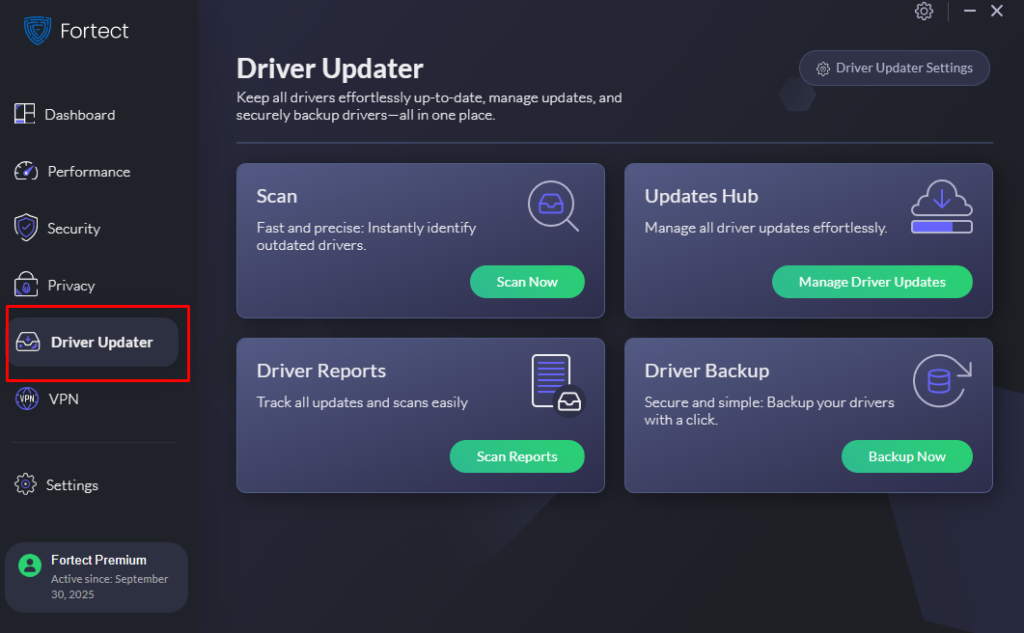
One often-overlooked entry point for WMI provider malware attacks is outdated drivers. Fortect’s built-in Driver Updater automatically replaces old or corrupted drivers with verified versions, closing the security gaps that attackers quietly exploit. Give Fortect a try; your system will be in better shape for it.
Download Fortect now.
FINAL THOUGHTS
Malware in WMI is a serious but solvable problem. The steps above provide a way to manually check and clean your system, and a reliable tool like Fortect ensures that threats don’t return.
The sooner you act, the less damage a WMI persistence attack can do. A secure, well-maintained PC starts with knowing what’s running under the hood.



