
How to Stop Malware Spreading via Windows Shared Libraries
Stop malware in shared libraries by locking down DLL permissions, verifying file signatures, and blocking untrusted load paths. Windows relies on shared libraries, known as DLL files, to run programs efficiently. Attackers exploit this system through DLL hijacking and sideloading. They plant malicious files that trusted programs load without question. A few configuration changes and the right security tool close this gap fast.
Key Takeaways:
- Malware in shared libraries spreads through hijacking, sideloading, and injection techniques.
- Enabling Safe DLL Search Mode blocks a common exploitation method.
- Verifying digital signatures and restricting write permissions closes frequent entry points.
- Tools like Fortect can detect, remove, and repair damage from these attacks.
- Regular software and driver updates shrink the available attack surface.
What Are Windows Shared Libraries?
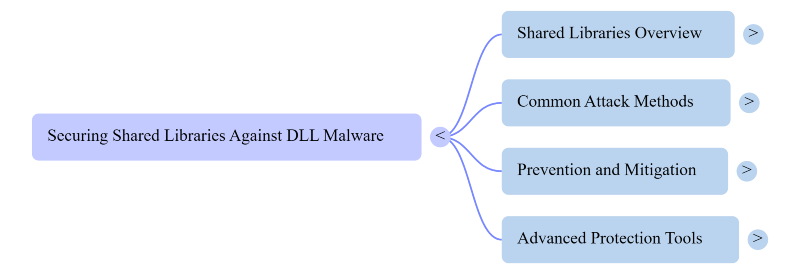
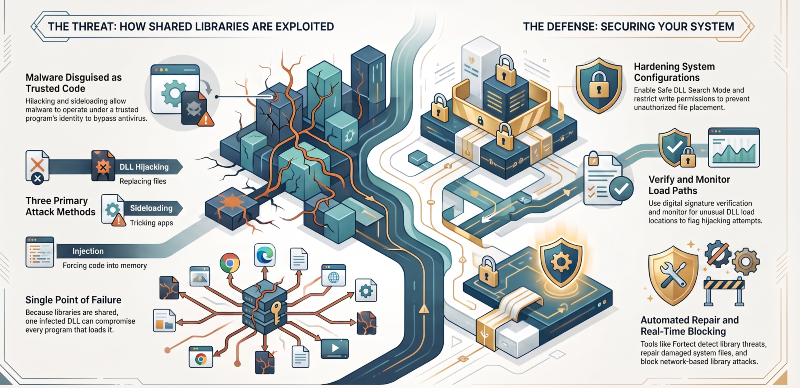
Shared libraries are DLL files that store code that multiple programs can reuse. Windows loads these files automatically when an application starts. This design saves memory and speeds up software performance. It also creates a single point that attackers can target. One infected DLL can compromise every program that loads it.
Malware in Shared Libraries: Common Attack Methods
Attackers use several techniques to slip malicious code into DLL files. Dynamic-Link Library hijacking replaces a legitimate library with a fake, malicious version. DLL sideloading tricks a trusted app into loading a nearby malicious file. DLL injection forces code directly into a running process’s memory. Each method lets malware operate under a trusted program’s identity. This disguise helps it bypass basic antivirus checks.
Steps to Stop Malware Spreading via Shared Libraries
A few practical changes reduce this risk significantly.
- Enable Safe DLL Search Mode. Windows then searches system folders before local folders. Turn this on through Group Policy or the registry.
- Verify digital signatures. Legitimate DLL files carry a valid vendor signature. Unsigned or oddly signed files deserve immediate suspicion.
- Restrict write permissions. Limit which users and programs can write to system directories. Attackers need write access to plant fake libraries.
- Monitor load paths. Security tools can flag unusual DLL load locations instantly. Unexpected paths often signal an active hijacking attempt.
- Keep software updated. Vendors patch known DLL vulnerabilities on a regular basis. Outdated software leaves old attack paths open.
Strengthen Your Defense With an All-in-One Tool
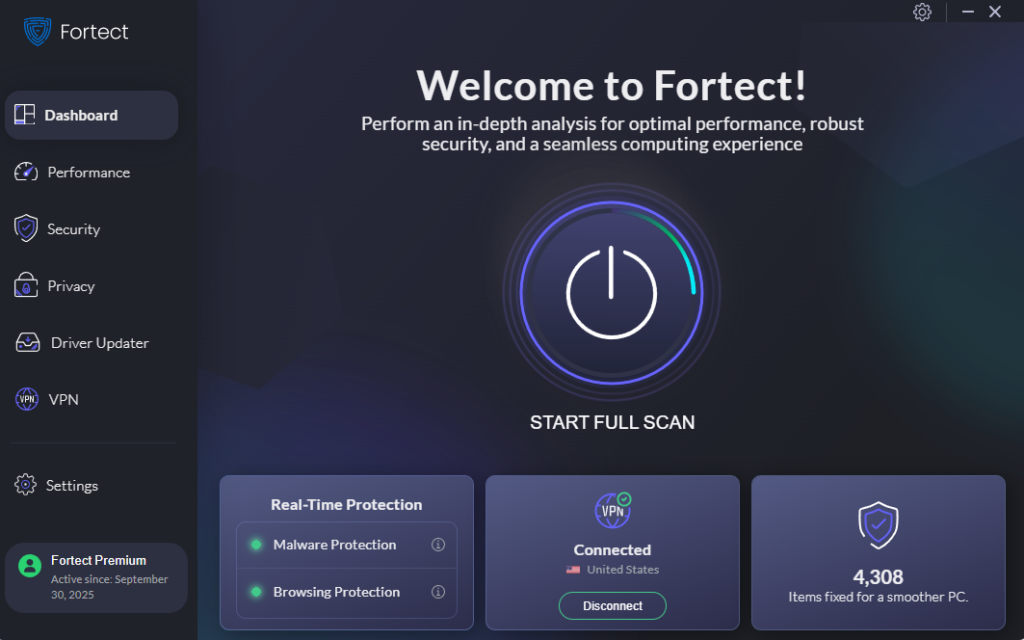
Fortect with real-time malware protection closes this gap. It detects malware in shared libraries, blocks it before execution, and repairs damaged system files. Fortect also cleans up junk files and crashed program remnants, keeping the system faster and clutter-free. Fortect Premium also includes a VPN with Auto-Protect for public Wi-Fi. This matters for shared-library attacks delivered over the network, like a compromised update intercepted mid-transit, by encrypting traffic so attackers can’t swap in a malicious file before it reaches your system.
To run a check, open Fortect and click Scan. It flags and fixes outdated, corrupted, or threatening components automatically.
Download and install Fortect today.
Fortect for Mac: Strengthen Your Defense Beyond macOS
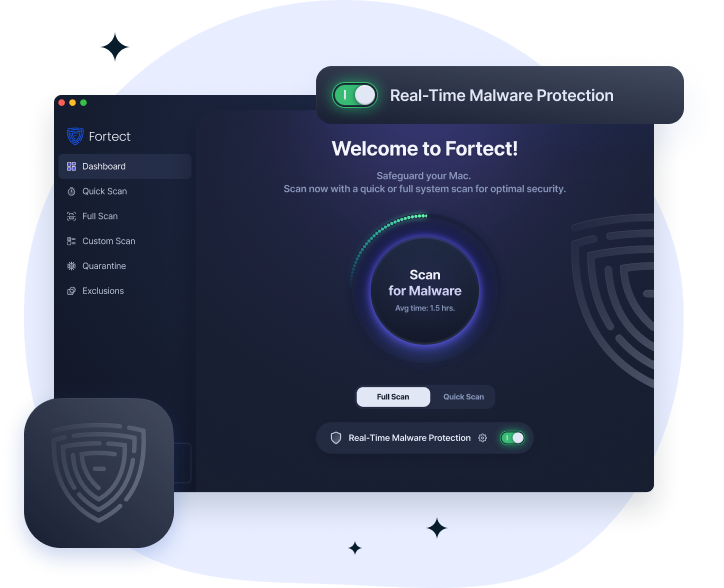
Mac isn’t immune to shared-library attacks. macOS uses dylib files the same way Windows uses DLLs, and attackers can hijack or sideload a malicious dylib just as easily. Fortect for Mac adds real-time monitoring that detects unusual library loading behavior and blocks it before it executes, working alongside Apple’s built-in security rather than replacing it.
Its cloud-based threat intelligence flags new attack patterns targeting shared libraries as they emerge, while quick smart scans and full system scans check for planted or corrupted files across the machine. Together, these features close a gap that native macOS defenses don’t fully cover on their own.




