
AI Threats to Bank Accounts: What You Need to Know
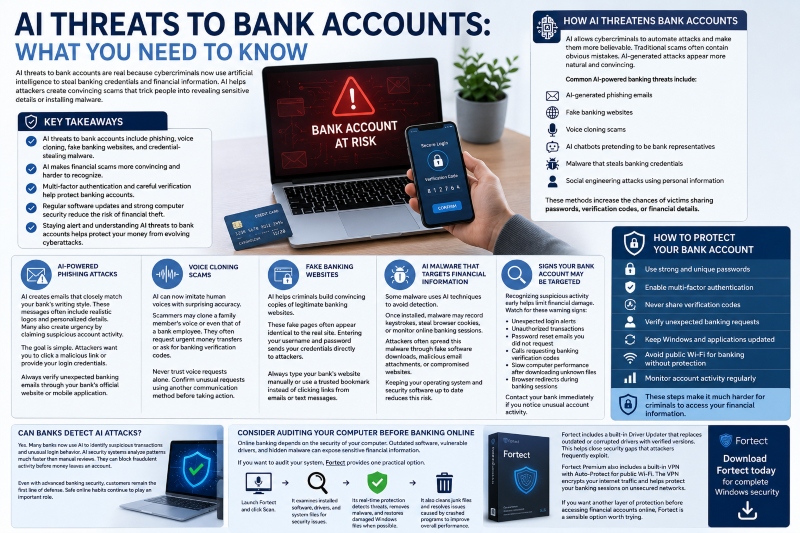
AI threats to bank accounts are real because cybercriminals now use artificial intelligence to steal banking credentials and financial information. AI helps attackers create convincing scams that trick people into revealing sensitive details or installing malware.
Banks continue improving their security systems. However, criminals also use AI to make phishing emails, fake websites, voice scams, and malware more difficult to detect. Understanding these threats helps you recognize warning signs before your money becomes a target.
Key Takeaways
- AI threats to bank accounts include phishing, voice cloning, fake banking websites, and credential-stealing malware.
- AI makes financial scams more convincing and harder to recognize.
- Multi-factor authentication and careful verification help protect banking accounts.
- Regular software updates and strong computer security reduce the risk of financial theft.
- Staying alert and understanding AI Threats to Bank Accounts helps protect your money from evolving cyberattacks.
How AI Threatens Bank Accounts
AI allows cybercriminals to automate attacks and make them more believable. Traditional scams often contain obvious mistakes. AI-generated attacks appear more natural and convincing.
Common AI-powered banking threats include:
- AI-generated phishing emails.
- Fake banking websites.
- Voice cloning scams.
- AI chatbots pretending to be bank representatives.
- Malware that steals banking credentials.
- Social engineering attacks use personal information.
These methods increase the chances of victims sharing passwords, verification codes, or financial details.
AI-Powered Phishing Attacks
Phishing remains one of the biggest threats to online banking.
AI creates emails that closely match your bank’s writing style. These messages often include realistic logos and personalized details. Many also create urgency by claiming suspicious account activity.
The goal is simple. Attackers want you to click a malicious link or provide your login credentials.
Always verify unexpected banking emails through your bank’s official website or mobile application.
Voice Cloning Scams
AI can now imitate human voices with surprising accuracy.
Scammers may clone a family member’s voice or even that of a bank employee. They often request urgent money transfers or ask for banking verification codes.
Never trust voice requests alone. Confirm unusual requests using another communication method before taking action.
Fake Banking Websites
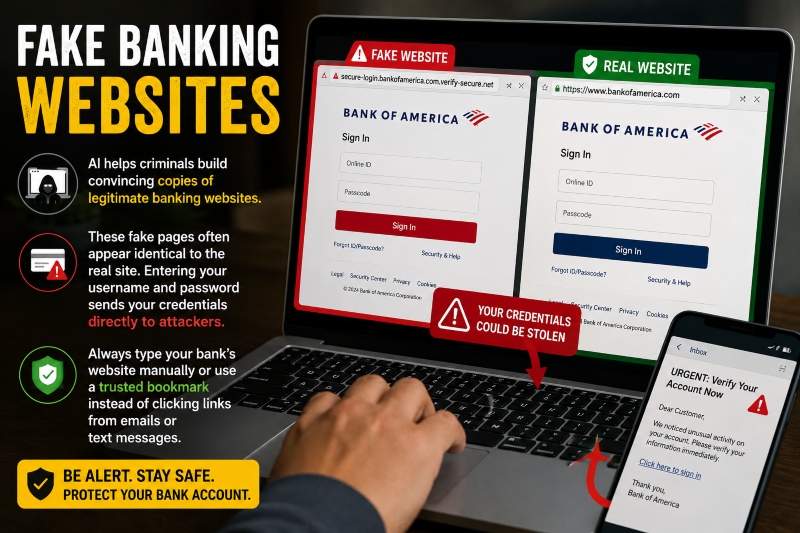
AI helps criminals build convincing copies of legitimate banking websites.
These fake pages often appear identical to the real site. Entering your username and password sends your credentials directly to attackers.
Always type your bank’s website manually or use a trusted bookmark instead of clicking links from emails or text messages.
AI Malware That Targets Financial Information
Some malware uses AI techniques to avoid detection.
Once installed, malware may record keystrokes, steal browser cookies, or monitor online banking sessions.
Attackers often spread this malware through fake software downloads, malicious email attachments, or compromised websites.
Keeping your operating system and security software up to date reduces this risk.
Signs Your Bank Account May Be Targeted
Recognizing suspicious activity early helps limit financial damage.
Watch for these warning signs:
- Unexpected login alerts.
- Unauthorized transactions.
- Password reset emails you did not request.
- Calls requesting banking verification codes.
- Slow computer performance after downloading unknown files.
- Browser redirects during banking sessions.
Contact your bank immediately if you notice unusual account activity.
How to Protect Your Bank Account
Simple security habits significantly reduce your risk.
Follow these best practices:
- Use strong and unique passwords.
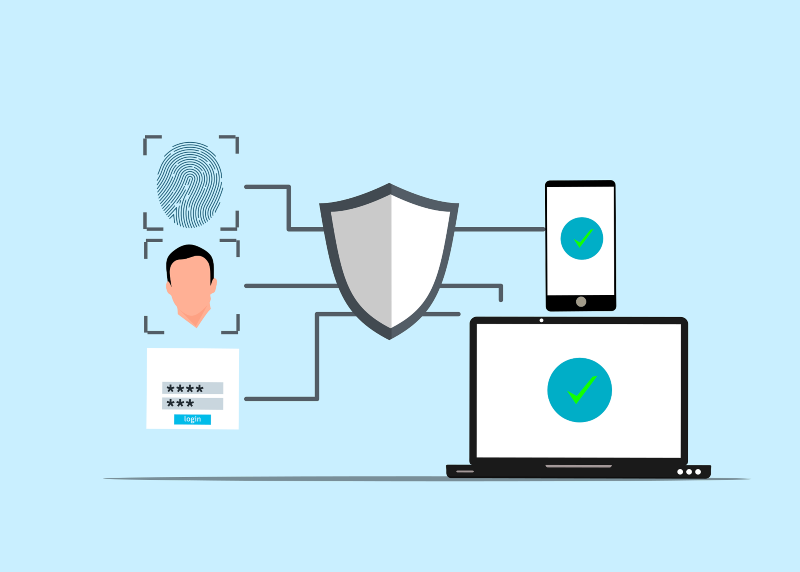
- Enable multi-factor authentication.
- Never share verification codes.
- Verify unexpected banking requests.
- Keep Windows and applications updated.
- Avoid public Wi-Fi for banking without protection.
- Monitor account activity regularly.
These steps make it much harder for criminals to access your financial information.
Can Banks Detect AI Attacks?
Yes. Many banks now use AI to identify suspicious transactions and unusual login behavior.
AI security systems analyze patterns much faster than manual reviews. They can block fraudulent activity before money leaves an account.
Even with advanced banking security, customers remain the first line of defense. Safe online habits continue to play an important role.
Consider Auditing Your Computer Before Banking Online
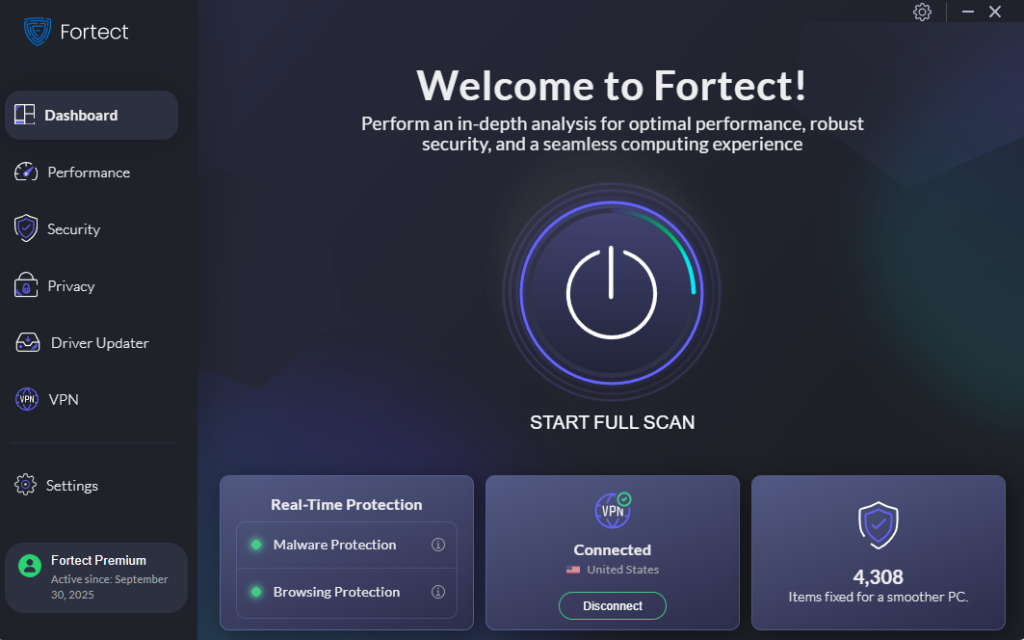
Online banking depends on the security of your computer. Outdated software, vulnerable drivers, and hidden malware can expose sensitive financial information. If you want to audit your system, Fortect provides one practical option. Launch Fortect and click Scan. It examines installed software, drivers, and system files for security issues.
Its real-time protection detects threats related to AI threats to bank accounts, removes malware, and restores damaged Windows files when possible. It also cleans junk files and resolves issues caused by crashed programs to improve overall performance.
Fortect includes a built-in Driver Updater that replaces outdated or corrupted drivers with verified versions. This helps close security gaps that attackers frequently exploit. Fortect Premium also includes a built-in VPN with Auto-Protect for public Wi-Fi.
The VPN encrypts your internet traffic and helps protect your banking sessions on unsecured networks. If you want another layer of protection before accessing financial accounts online, Fortect is a sensible option worth trying.
Download Fortect today for complete Windows security





