Phishing Email Threats and How to Stay Safe in 2025
Phishing emails remain one of the most dangerous cyber threats facing everyday internet users. These fraudulent messages trick you into revealing passwords, credit card numbers, or personal information by pretending to be from trusted companies or contacts. In 2025, phishing attacks have become more sophisticated than ever, with scammers using AI-generated content and convincing fake websites to steal your data.
What is a Phishing Email and Why Should You Care?
A phishing email is a fraudulent message designed to steal your sensitive information. Cybercriminals send these emails pretending to be legitimate organizations like banks, online retailers, or even government agencies. The goal is simple: trick you into clicking malicious links, downloading infected attachments, or entering your personal details on fake websites.
The consequences of falling for email phishing scams can be severe. Victims often experience identity theft, drained bank accounts, compromised social media accounts, and even ransomware infections on their Windows computers. With phishing attempts increasing by over 40% in recent years, understanding how to spot and avoid these threats is essential for protecting yourself online.
Common Types of Phishing Scams to Watch For
Spear Phishing and Personalized Attacks
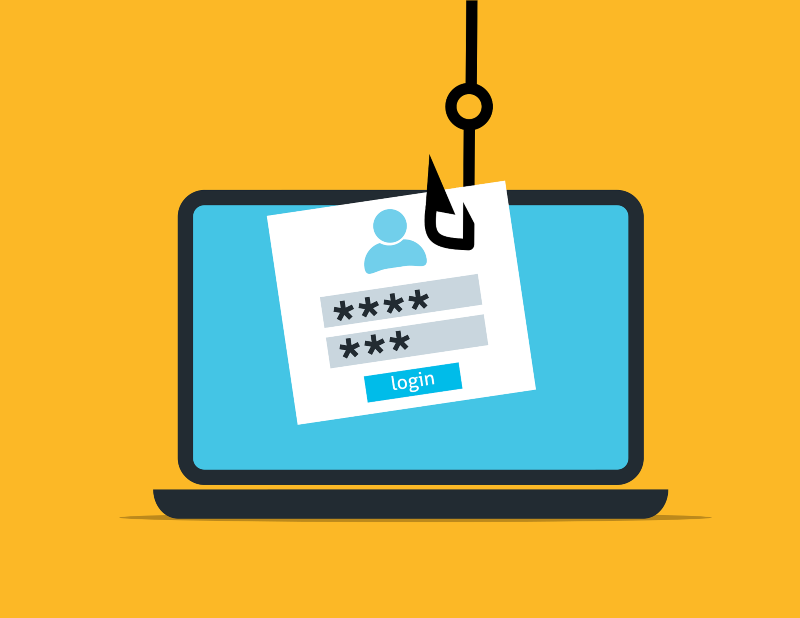
Unlike generic phishing emails sent to thousands of people, spear phishing targets specific individuals with personalized information. Scammers research their victims on social media and craft convincing messages that reference your name, employer, or recent activities. These targeted phishing emails are harder to detect because they feel authentic and relevant to your life.
Fake Invoice and Payment Request Scams
One of the most common phishing tactics involves fake invoices or payment notifications. You’ll receive an email claiming you owe money or have an unpaid bill from services like PayPal, Amazon, or your utility company. These phishing messages create urgency, pressuring you to click immediately before verifying the sender’s legitimacy.
Account Verification and Security Alert Phishing
Scammers frequently impersonate tech companies like Microsoft, Google, or Apple, sending phishing emails that claim your account has been compromised or needs immediate verification. These messages often include official-looking logos and formatting to appear legitimate, directing you to fake login pages designed to steal your credentials.
You can also read our article on phishing emails posing as Microsoft Support for more information on similar email scams.
How to Identify Phishing Emails Before It’s Too Late
Check the Sender’s Email Address Carefully
Legitimate companies use official domain names. A phishing email might come from “[email protected]” instead of the real “microsoft.com.” Always hover over the sender’s address without clicking to reveal the actual email domain. Be suspicious of addresses with extra numbers, hyphens, or misspellings.
Look for Grammar Mistakes and Urgent Language
Professional companies proofread their communications. Phishing emails often contain spelling errors, awkward phrasing, or grammatical mistakes. They also create false urgency with phrases like “act now,” “your account will be closed,” or “immediate action required” to prevent you from thinking critically.
Verify Links Before Clicking
Never click links in suspicious emails. Instead, hover your mouse over any link to preview the actual URL at the bottom of your screen. Phishing links often lead to misspelled domains or suspicious websites. When in doubt, manually type the company’s official website into your browser rather than clicking email links.
How to Protect Your Windows Computer from Phishing Attacks
Use Fortect for Comprehensive Phishing Protection
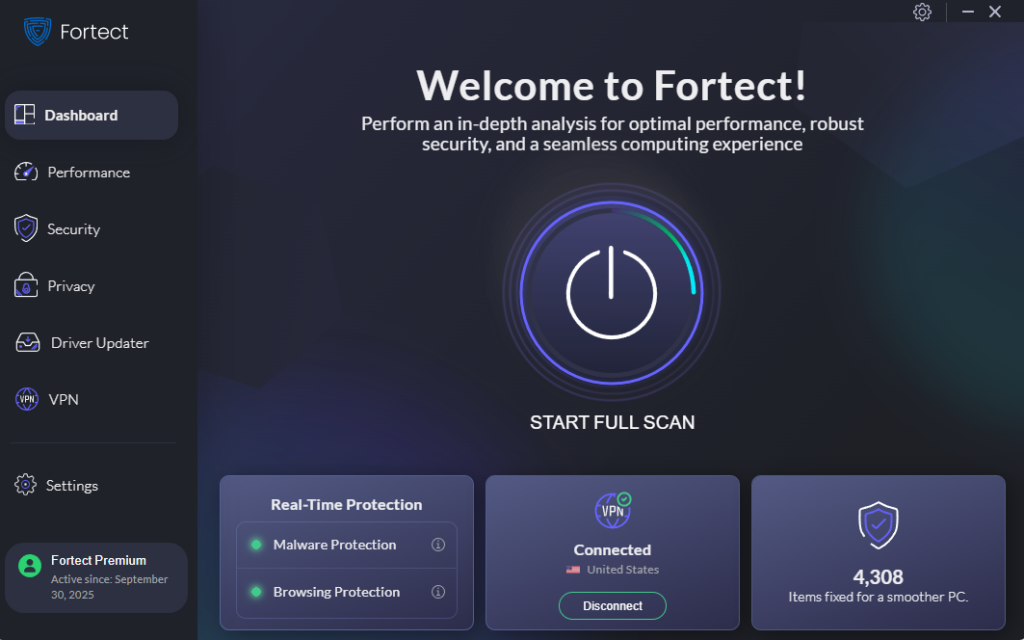
Fortect is a powerful and advanced antivirus with real-time malware protection that goes beyond basic security. It automatically scans your Windows PC for any threats, including phishing email attachments, malicious links, and modern phishing exploits. Once detected, Fortect removes them safely and optimizes your system for better performance. Unlike standard antivirus software, Fortect provides continuous monitoring to catch phishing threats before they compromise your personal information, making it an essential tool for staying safe online in 2025.
Download Fortect today.
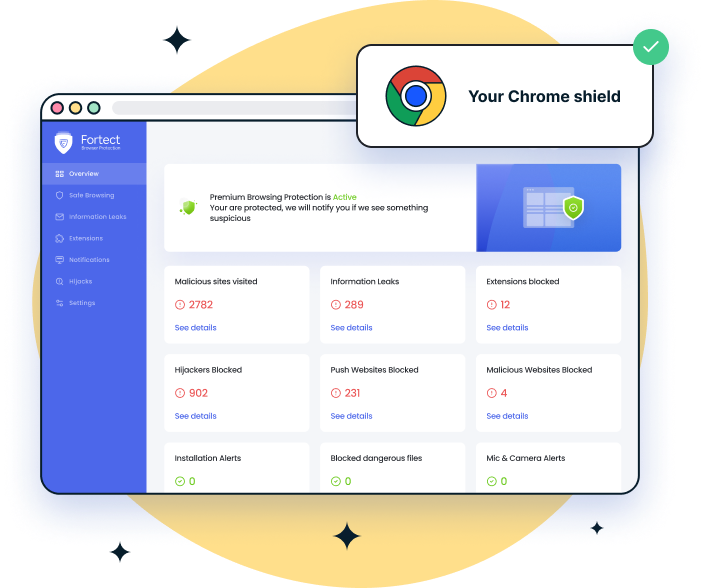
For Chrome users, Fortect also comes with a Fortect browser extension. Fortect Browsing Protection is mainly built to guard you while you’re online, blocking malicious sites, warning you about suspicious pages, and cleaning harmful extensions. So if you click a link in a phishing email, the extension can step in by stopping the dangerous website from loading. That’s a big advantage because most phishing attacks rely on tricking you into opening a fake login page or downloading malware.
Enable Windows Security Email Protection
Windows 10 and 11 include built-in phishing protection through Microsoft Defender SmartScreen. Here’s how to ensure it’s active:
- Click the Start button and select Settings (gear icon)
- Navigate to Privacy & Security
- Click on Windows Security
- Select App & browser control
- Under Reputation-based protection, click Reputation-based protection settings
- Ensure Check apps and files, SmartScreen for Microsoft Edge, and Phishing protection are all turned On
Keep Windows Updated Against Email Threats
Microsoft regularly releases security patches that protect against phishing exploits. To update Windows:
- Press Windows key + I to open Settings
- Click Windows Update (left sidebar in Windows 11, or under Update & Security in Windows 10)
- Click Check for updates
- Install any available updates and restart your computer when prompted
- Enable Receive updates for other Microsoft products to protect Office and other apps
Use Multi-Factor Authentication Everywhere
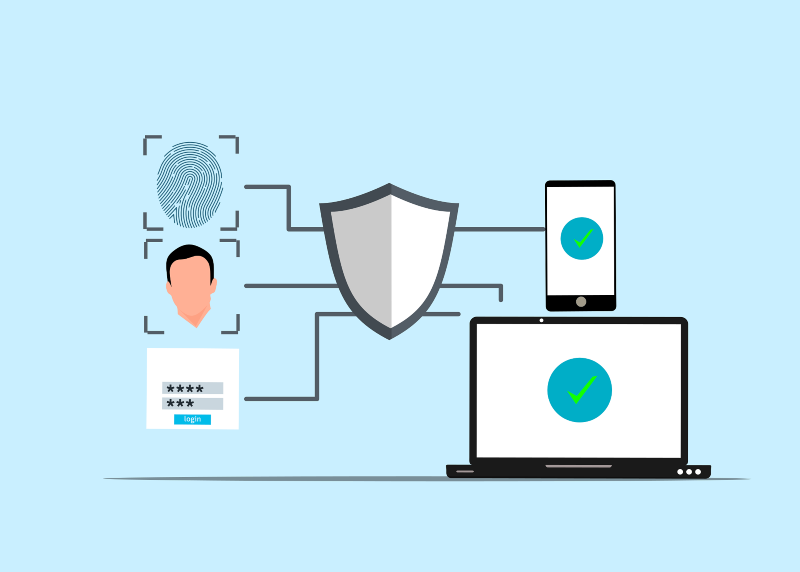
Even if scammers steal your password through a phishing email, multi-factor authentication (MFA) provides a second layer of protection. Enable MFA on your Microsoft account, email, banking apps, and social media. This requires a code from your phone or authentication app in addition to your password, making unauthorized access nearly impossible.
What to Do If You Click a Phishing Link
If you accidentally click a suspicious link or enter information on a phishing website, act quickly. Immediately disconnect from the internet, run a full Windows Defender scan, change passwords for affected accounts from a different device, and contact your bank if financial information was compromised. Report the phishing email to the legitimate company being impersonated and forward it to the Anti-Phishing Working Group at [email protected].
Stay Vigilant Against Email Scams
Phishing emails will continue evolving in 2025, but awareness is your best defense. Trust your instincts; if an email feels suspicious, it probably is. Take time to verify senders, avoid clicking unknown links, keep your Windows system updated, and never share sensitive information via email. By following these practices, you’ll significantly reduce your risk of becoming a phishing victim.