Cisco AI Defense: Windows Users Security Guide
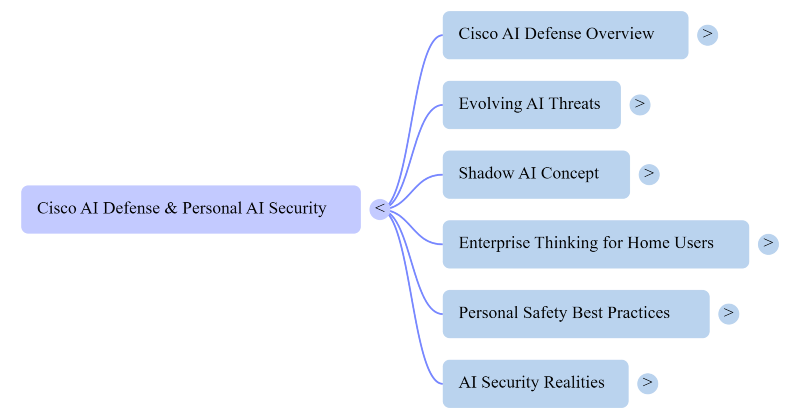
Cisco AI Defense protects organizations from AI-specific risks like prompt injection. It also guards against data leakage and unsafe AI models. Individual Windows users won’t install it themselves. But understanding it reveals the AI threats targeting everyday PCs. Cisco built this platform for businesses managing large-scale AI deployments.
It isn’t a consumer antivirus replacement. Its existence signals something important, though. AI has become a security battlefield. Home Windows users are increasingly caught in the crossfire.
Key Takeaways
- Cisco AI Defense is an enterprise platform.
- It highlights real AI threats now affecting everyday Windows users, too.
- AI-generated phishing and voice cloning target consumers just like enterprises.
- Shadow AI is a growing risk for home users. Real-time protection and updated drivers apply enterprise thinking at home.
- Staying informed remains the most effective long-term defense for any user.
What Cisco AI Defense Actually Does
Cisco AI Defense mitigates risks tied to AI model deployment. It gives visibility into AI assets running across cloud environments. It scans AI models and repositories for hidden vulnerabilities. Real-time guardrails catch threats as they happen. The platform detects MCP servers and agent processes automatically.
It maps connected workflows to uncover unsanctioned AI behavior. Cisco built this for companies racing to adopt AI tools. Those tools can quietly leak sensitive data. Attackers also exploit them aggressively. Threat actors now use AI for phishing automation and deepfakes. Cisco AI Defense counters that shift at the enterprise level.
Why This Matters Even If You’re Not a Business
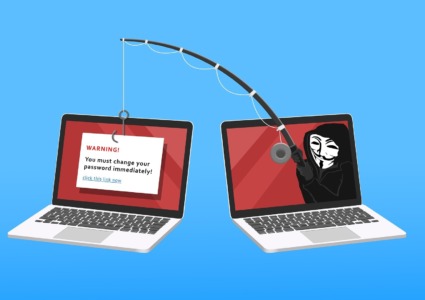
Most Windows users will never log into a Cisco dashboard. But the threats it stops are trickling down to consumers. AI-generated phishing emails now target individuals directly. Cloned voices appear in scam calls aimed at home users. Malicious AI-powered browser extensions affect personal devices, too.
Attackers refine techniques against enterprises first. They then repackage those same attacks for individuals. The underlying AI tools are widely accessible. Cisco’s research reveals a critical insight. AI disrupts traditional security models unpredictably. It can expose sensitive data without warning.
Signature-based antivirus tools struggle to catch these threats. This applies to personal laptops just as much as corporate networks.
Shadow AI and What It Means for Home Users
Shadow AI refers to using unapproved AI tools without realizing the risks. People use unauthorized tools that process data without permission. This is one of the fastest-growing security risks today. Cisco addresses this through corporate governance and access controls. The same problem appears on home PCs, though.
Users download free AI assistant browser extensions carelessly. Some of those extensions are fronts for spyware. Others quietly install adware without the user’s knowledge. The lesson is straightforward.
Stick to verified and well-known AI tools only. Be skeptical of anything offering premium AI features for free.
How Windows Users Can Apply Enterprise-Level Thinking at Home
You don’t need enterprise infrastructure to borrow Cisco’s core philosophy. That philosophy comes down to visibility. It also requires validation and real-time response. Know what is installed and running on your PC. Verify software before installing it. Never trust blindly. Have protection in place that responds to threats immediately. Don’t rely solely on periodic scans.
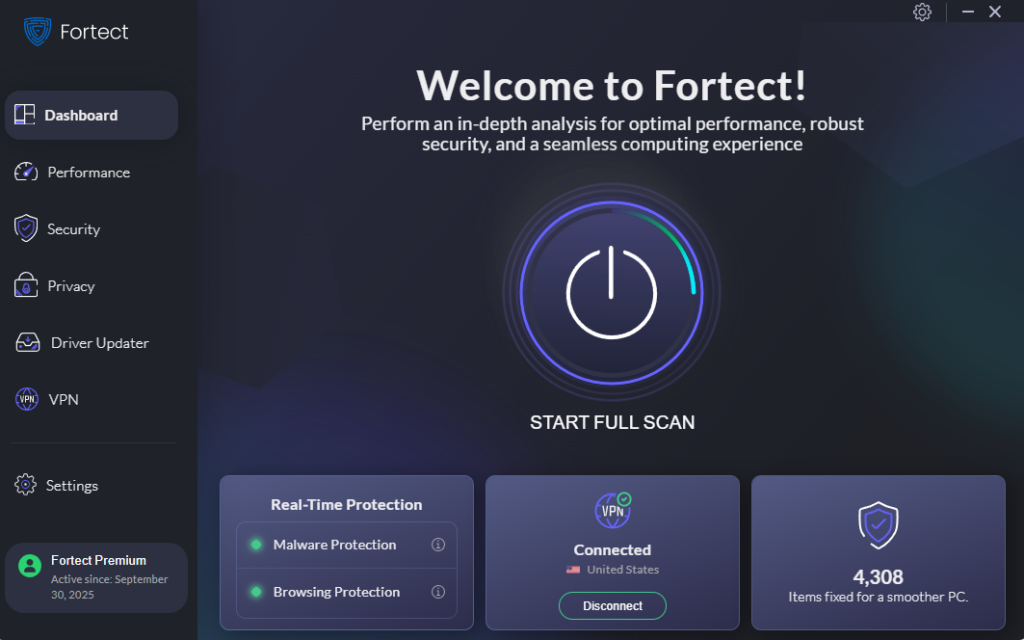
A layered and consumer-friendly approach makes this practical. Fortect offers real-time protection against AI-driven malware and suspicious behavior. It removes malicious files before they cause damage. It also restores system files that attackers have already compromised.
For Windows users wanting enterprise-style protection without enterprise complexity. Fortect is a reasonable and low-friction way to add real defense.
What to Watch for as AI Threats Evolve
Cisco’s research groups continuously update their threat intelligence. That same vigilance is worth adopting personally. Pay attention to unsolicited AI-generated content that feels slightly off. Verify unexpected requests through a second communication channel. Avoid granting AI tools more permissions than necessary. Legacy network defenses are becoming insufficient against AI-native threats. The same principle applies at home. Outdated security habits leave Windows users exposed. Attackers design new threats specifically to slip past those habits.
Staying Secure in the AI Era
Cisco AI Defense shows how seriously the industry now treats AI threats. That seriousness should shape how everyday users protect themselves. The platform targets enterprises. But the risks it addresses affect anyone with a Windows PC. Data leakage and AI-powered attacks are no longer corporate-only problems. Every connected user deserves protection built for the threats of today.