How to Prevent Quantum-Resistant Encryption Breaks in 2026?
To prevent quantum-resistant encryption breaks, you need to update your software to post-quantum cryptography (PQC) standards, use a browser and password manager that support quantum-safe algorithms, and enable full-disk encryption on your device, steps any home user can take today.
This isn’t just a concern for governments or large corporations. Everyday users storing sensitive files, using online banking, or relying on password managers are directly in the crosshairs, especially as attackers are already collecting encrypted data now to decrypt it later with quantum computers.
What Are Quantum-Resistant Encryption Breaks and Why Should You Care?
A quantum-resistant encryption break is when a quantum-powered attack defeats the encryption algorithm protecting your data, putting your passwords, bank records, and personal files directly at risk. Attackers are already running a “harvest now, decrypt later” strategy: collecting your encrypted data today and storing it until quantum computers are powerful enough to crack it open.
That means yesterday’s data breach could become tomorrow’s identity theft. Your home PC, saved passwords, medical records, and financial accounts are all in scope.
What Data Is Most at Risk
- Login credentials and stored passwords
- Banking and financial transaction records
- Health and insurance documents saved locally or in cloud storage
- Encrypted emails and private messages
How to Protect Yourself from Quantum-Resistant Encryption Breaks in 2026
These steps work on any Windows PC and follow current best-practice guidance from cybersecurity organizations.
Step 1: Update Windows and all software immediately. Go to Settings > Windows Update and install every pending update. Microsoft has begun rolling out post-quantum cryptography (PQC) support into Windows 11. Without updates, your system stays on older, breakable encryption.
Step 2: Switch to a browser that supports post-quantum encryption. Google Chrome and Microsoft Edge already support hybrid post-quantum key exchange (X25519Kyber768). Open your browser settings, go to Help > About, and update to the latest version. This protects your connection to websites even against quantum interception.
Step 3: Use a password manager with quantum-safe encryption. Avoid reusing passwords. Use a reputable password manager; many are updating to quantum-resistant algorithms in 2026. Strong, unique passwords also reduce exposure if one service’s encryption is broken.
Step 4: Enable full-disk encryption on your PC. Open Settings > Privacy & Security > Device Encryption and turn it on. This won’t stop quantum attacks on its own, but it raises the bar significantly for anyone attempting to access your stored files.
Step 5: Move sensitive files to quantum-resistant cloud storage. Major providers like Google and Apple have begun implementing PQC for data at rest. Check your cloud provider’s security page for their post-quantum roadmap, and avoid smaller, unverified services for anything sensitive.
Step 6: Audit your email encryption. Standard email is not encrypted end-to-end by default. Use services like ProtonMail, which is actively implementing quantum-resistant algorithms, or enable S/MIME encryption through your existing email client.
Step 7: Monitor for data breach notifications. Use a free tool like Have I Been Pwned (haveibeenpwned.com) to check if your email has appeared in known data breaches. If it has, those credentials may already be in a “harvest now, decrypt later” database.
Strengthen Your PC Security with Fortect
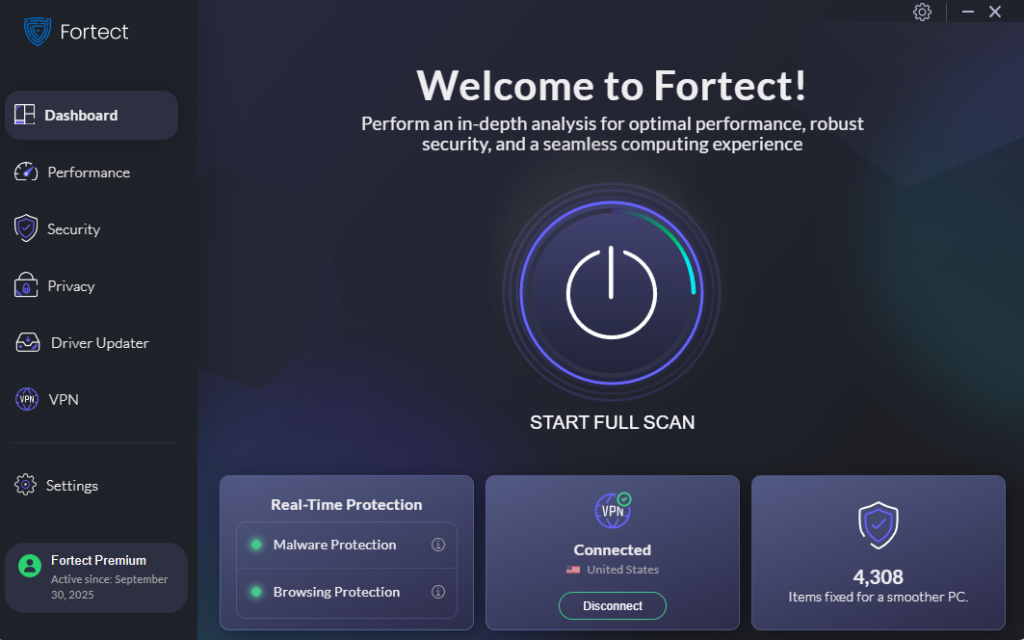
Fortect provides real-time protection that actively detects threats, removes them before they can do damage, and restores any system files that have been compromised, giving you a clean, stable baseline to work from. Beyond threat removal, it optimizes your PC’s performance by clearing junk files and cleaning up crashed programs that quietly degrade your system over time.
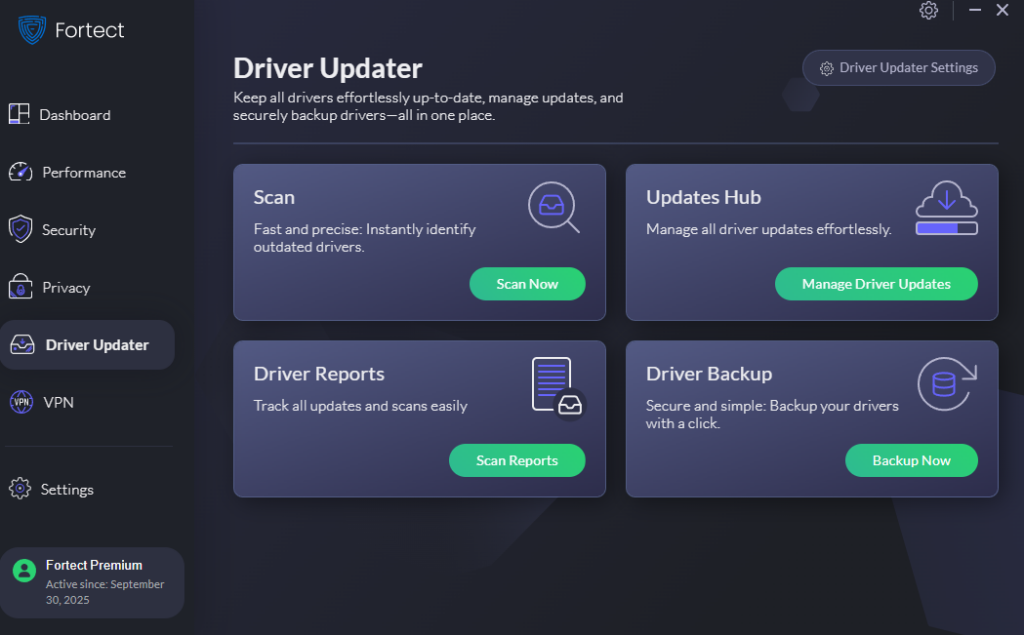
Fortect’s Driver Updater identifies and replaces outdated or corrupted drivers with verified versions, closing the kind of low-level vulnerabilities that even updated software can’t always patch. In a world where quantum-resistant encryption breaks are becoming more feasible, every layer of your system needs to be in order, not just your browser settings.
If you’re serious about protecting your data in 2026 and beyond, Fortect is a solid next step.
Conclusion
The smartest move any home user can make today is to update aggressively, adopt post-quantum-ready tools, and lock down the basics: passwords, disk encryption, and software hygiene. Taking these steps puts you well ahead of most home users, and significantly harder to target when quantum computing power matures.