
Install Fortect PC Suite (Quick Start Guide)
Compatible with: Windows 10, & up
1. Download the Installer
Click the button below to start the download automatically.
2. Open the File
- Look at the bottom of your browser or check your Downloads folder.
- Double-click
Fortect.exe. - Note: If Windows asks for permission, click Yes.
3. Click “Install”
- The Fortect window will appear.
- Click the yellow Install button.
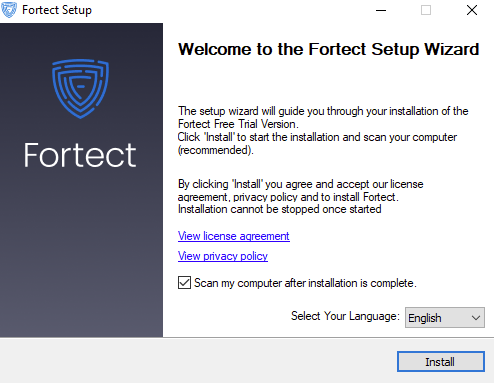
4. Installation Complete & Start Scanning
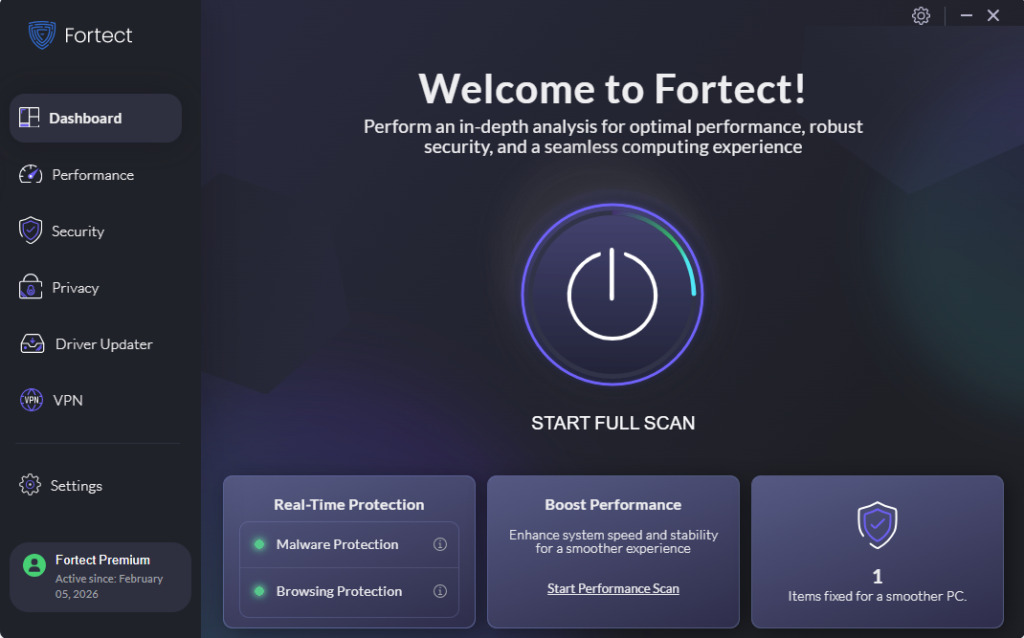
Once the installation is finished, you’ll see a confirmation message. You’ve successfully downloaded and installed Fortect on your computer and the app will automatically scan your PC.
Encountered issues?
Don’t worry! Reach out to our Support team at the Contact Us page and our experts will help you right away!