
Fortect Mac Suite: Login & Activation
Sign in with your Fortect Premium account to activate and enable protection features.
Steps
- Open Fortect.
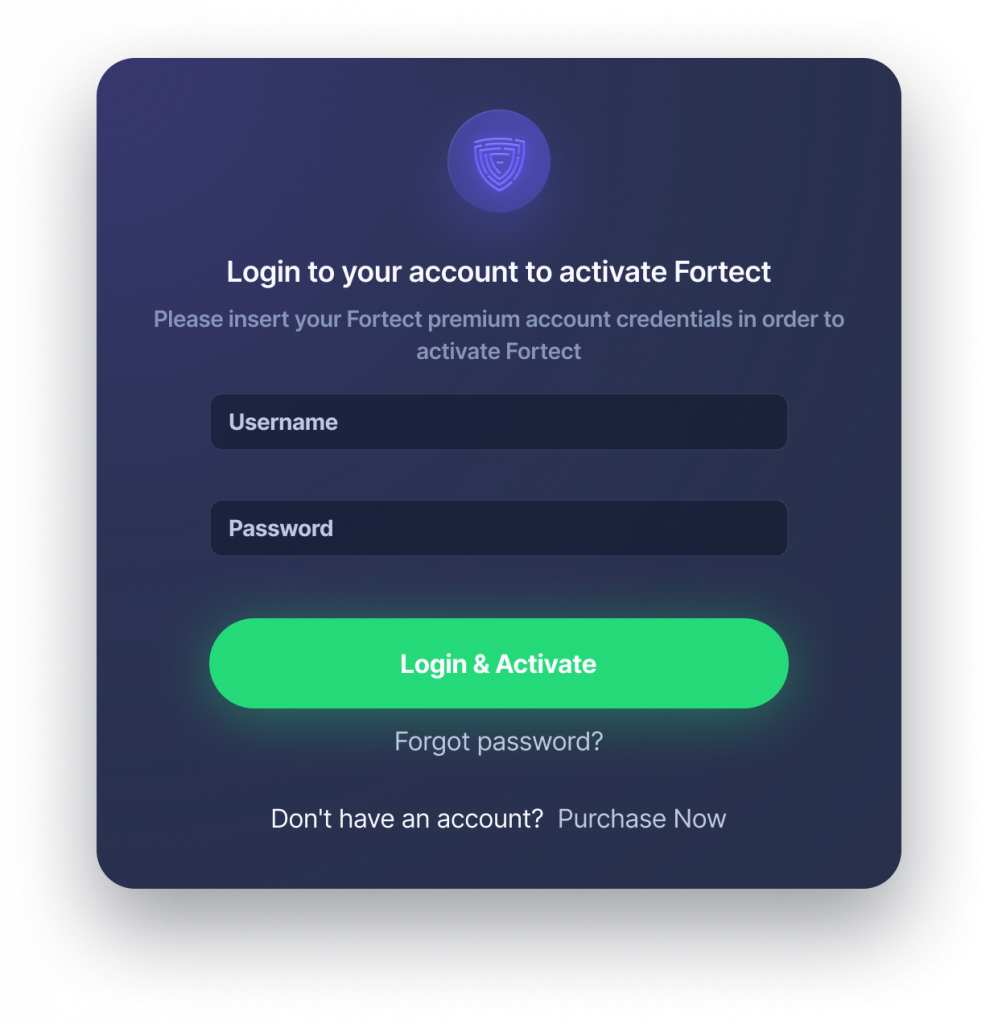
- On the prompt, enter Username and Password and click Login & Activate.
- If needed, use Forgot password? or Purchase Now to get your premium account
- After login, the app may start installing protection components in the background. You may still see the Installing Protection toast after onboarding.
Your device is activated and protected under your Premium subscription.