Why Cybercriminals Are Shifting Focus to Home Users
Cybercriminals are no longer just targeting large corporations and government agencies. In recent years, hackers have increasingly turned their attention to home users, recognizing them as softer targets with valuable data and fewer security measures. Understanding why this shift is happening can help you protect yourself and your family from becoming the next victim.
Cybercrime Threat Environment
Home Users Present Easy Targets
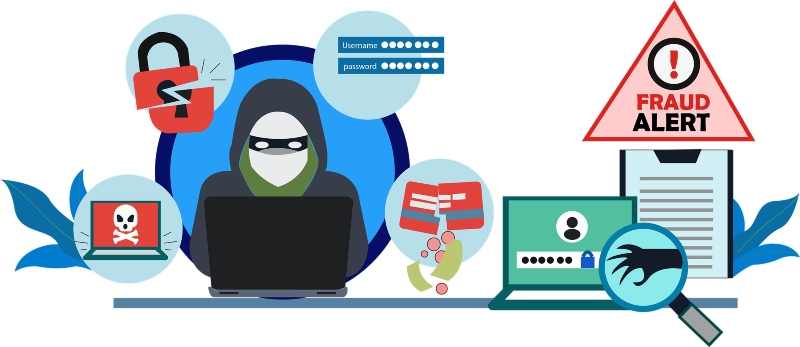
Unlike businesses with dedicated IT teams and enterprise-grade security systems, most home users rely on basic antivirus software or Windows Defender alone. Cybercriminals exploit this security gap, knowing that residential internet users often lack the technical knowledge to identify phishing attempts, malware infections, or suspicious network activity.
The average home computer contains a treasure trove of personal information: banking credentials, tax documents, healthcare records, and social media accounts. This data can be sold on the dark web or used for identity theft, making home users lucrative targets despite having less money than corporations.
Remote Work Has Blurred Security Lines
The rise of remote work has transformed home networks into extensions of corporate infrastructure. Many employees access company resources from personal devices without proper security protocols, creating vulnerabilities that hackers eagerly exploit. Your home network might be the weakest link in your employer’s security chain.
Lower Detection Risk
Attacking home users carries significantly less risk for cybercriminals. Individual victims rarely have the resources to launch extensive investigations, and law enforcement agencies prioritize cases involving larger financial losses. This means hackers can operate with relative impunity when targeting residential users.
Common Attack Methods Against Home Users
Phishing and Social Engineering
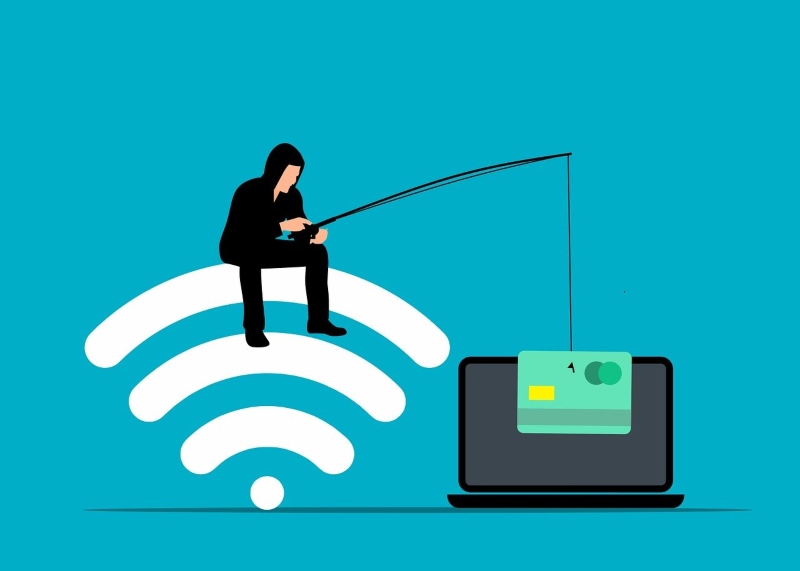
Email phishing remains the most popular attack vector for home users. These deceptive messages appear to come from trusted sources like banks, streaming services, or government agencies, tricking victims into revealing passwords or downloading malware.
Ransomware Attacks
Ransomware doesn’t discriminate by company size. Cybercriminals deploy ransomware against home users, encrypting personal photos, videos, and documents before demanding payment for their release. Family memories and irreplaceable files become hostages in these digital extortion schemes.
IoT Device Exploitation
Smart home devices, including security cameras, thermostats, and voice assistants, often ship with default passwords and rarely receive security updates. Hackers infiltrate these vulnerable devices to access your network, steal bandwidth, or spy on your activities.
How to Protect Your Windows PC from Cyber Threats
Strengthen Your PC Security with Fortect
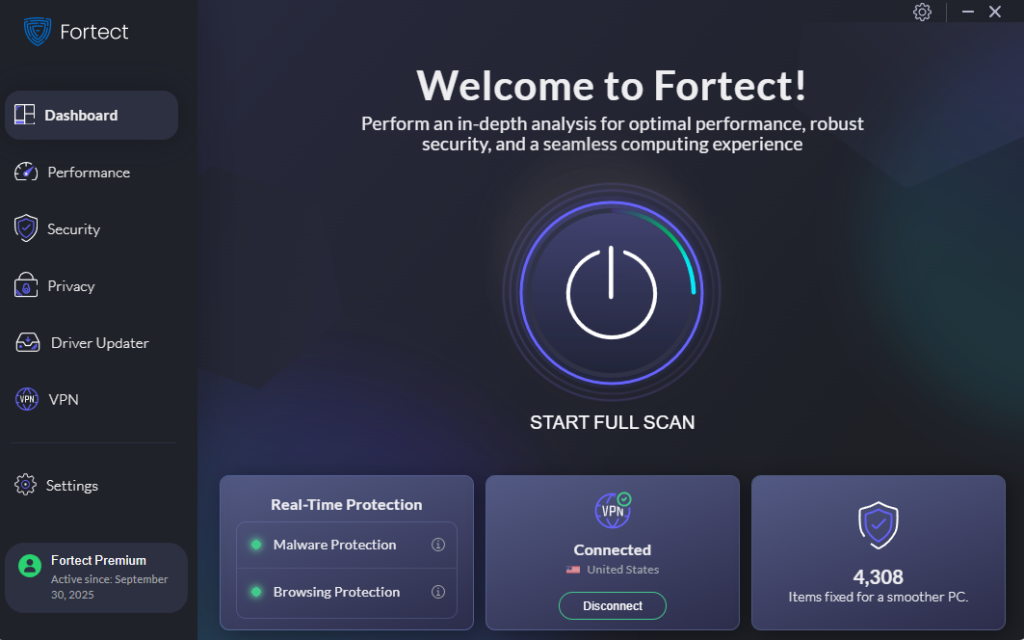
As cybercriminals targeting home users continue to develop more sophisticated attack methods, having robust protection is essential. Fortect delivers advanced real-time malware protection specifically designed for Windows users. It automatically scans your PC for traditional and emerging threats from cybercriminals targeting home users, eliminates them safely, and restores damaged system files for improved performance.
Its smart threat-detection engine monitors suspicious activity and alerts you before harmful actions can take place, helping keep your device secure and running efficiently against the evolving tactics hackers use to compromise residential computers.
Cybercriminals are increasingly targeting home users, exploiting unsecured networks to steal personal data, deliver malware, or launch ransomware attacks. The new Fortect Premium now includes a built-in VPN with Auto-Protect for public Wi-Fi, keeping your connection secure even on open networks. Encrypting your internet traffic, it protects your sensitive information and shields you from hackers who exploit weak or unprotected connections, a common gateway for zero-day attacks, spyware, and other network-based threats. With Fortect Premium, home users can browse, work, and stream safely, knowing their devices and data are protected from modern cyber risks.
Download and install Fortect today.
Fortect for Mac: Protect Home Users Beyond macOS
Cybercriminals are no longer just targeting businesses; they’re increasingly focusing on home users, exploiting everyday devices to spread ransomware, spyware, stealth malware, and malicious PDFs. Mac users are not immune, and relying solely on Apple’s built-in security is no longer enough to stay safe.
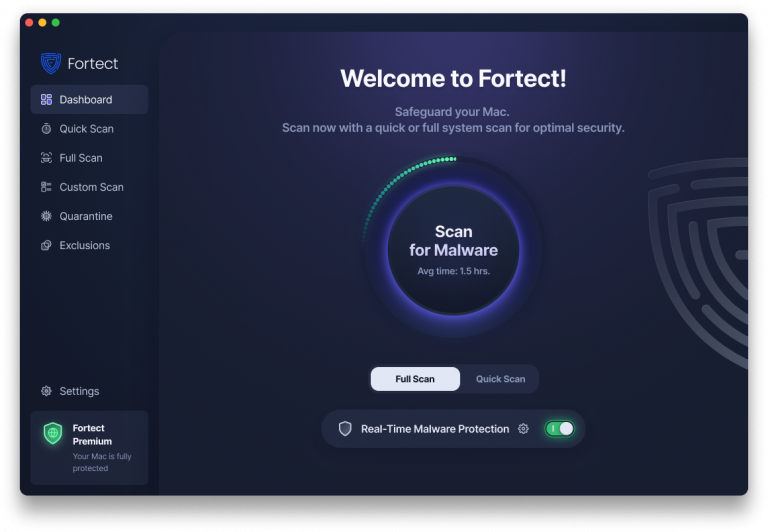
Fortect for Mac delivers intelligent, real-time protection that works alongside macOS, filling critical security gaps that attackers often exploit. It shields your system from threats you may not even be aware of. Fortect protects home users with always-on real-time malware defense that instantly blocks malicious activity, cloud-based threat intelligence for rapid detection of emerging attacks, quick smart scans to identify and fix issues efficiently, and full system scans to thoroughly check your entire Mac for hidden threats. With Fortect, home users can browse, work, and download files with confidence, knowing their Mac is guarded against modern cyber risks.
Keep Windows Updated
Outdated software contains security vulnerabilities that hackers actively exploit. Here’s how to ensure your Windows system stays current:
For Windows 10:
- Click the Start button and select Settings (gear icon)
- Navigate to Update & Security
- Click Windows Update in the left sidebar
- Select “Check for updates”
- Install any available updates and restart when prompted
For Windows 11:
- Press Windows key + I to open Settings
- Click Windows Update in the left menu
- Select “Check for updates”
- Download and install all recommended updates
- Restart your computer to complete installation
Enable automatic updates to ensure continuous protection without manual intervention.
Use Strong, Unique Passwords
Create complex passwords containing uppercase and lowercase letters, numbers, and special characters. Never reuse passwords across multiple accounts. Consider using Windows’ built-in password manager or a reputable third-party password manager to securely store credentials.
Enable Windows Security Features
Windows Defender provides robust protection when properly configured. Ensure real-time protection, cloud-delivered protection, and automatic sample submission are enabled. Run regular full system scans to detect hidden threats.
Implement User Account Restrictions
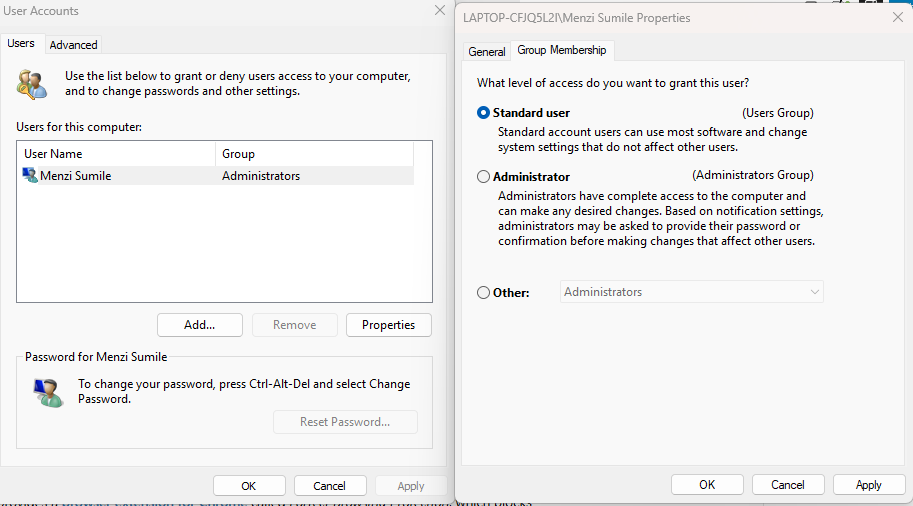
Limiting user privileges reduces malware damage potential. Here’s how to create a standard user account:
For Windows 10/11:
- Open Settings and navigate to Accounts
- Select “Family & other users”
- Click “Add someone else to this PC”
- Follow the prompts to create a new account
- After creation, click the account name
- Select “Change account type”
- Choose “Standard user” from the dropdown menu
- Click OK to save changes
Use this standard account for daily activities, reserving administrator access only when installing software or changing system settings.
Be Skeptical of Unexpected Communications
Ransomware is now one of the most common cybercrimes affecting home users, and it often starts with a single unexpected email, text, or message. Always verify the sender before clicking links or downloading attachments. Legitimate organizations do not ask for sensitive information through unsolicited messages. When in doubt, contact the company directly using verified contact details from the company’s official website.
The Bottom Line
Cybercriminals target home users because we represent millions of unprotected endpoints containing valuable personal data. By understanding their motivations and implementing proper security measures on your Windows PC, you can significantly reduce your risk of becoming a victim. Stay vigilant, keep your system updated, and treat your digital security with the same importance as locking your front door.