Biometric Security vs Traditional MFA: Trends & Threats
Security on Windows devices has evolved quickly, especially as users move from simple passwords to more advanced authentication methods. Today, the debate around biometric security vs traditional MFA (multi-factor authentication) is becoming increasingly important for Windows 10 and Windows 11 users who want stronger protection against identity theft, phishing, and unauthorized access.
Modern attackers no longer rely only on password theft; they now target authentication systems directly, making layered security essential for everyday users.
What Is Biometric Security?
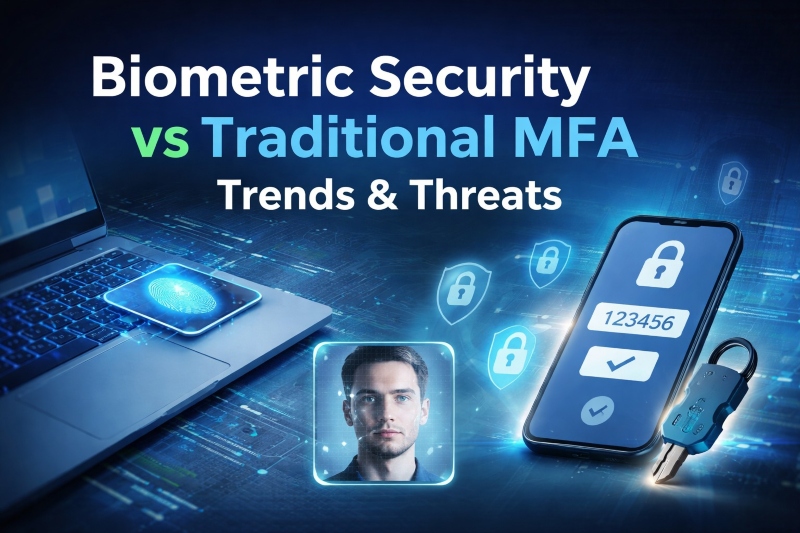
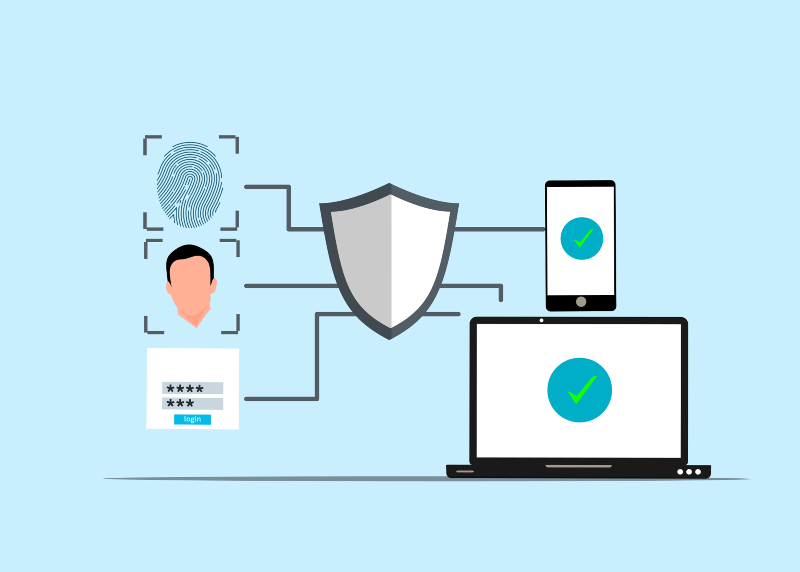
Biometric security uses unique physical traits to verify identity. On Windows devices, this typically includes fingerprint scanning and facial recognition through Windows Hello.
This method is widely used because it allows fast, password-free sign-in, improving convenience while reducing reliance on memorized credentials. However, biometric systems are still tied to the device, meaning security depends heavily on hardware protection.
What Is Traditional MFA?
Traditional multi-factor authentication (MFA) or two-factor authentication adds multiple verification layers to protect accounts. It usually combines a password with a second step, such as an authenticator app, security key, or verification code.
On Windows systems, MFA is commonly used for Microsoft accounts, email access, and cloud storage services like OneDrive, providing stronger protection against account compromise.
Biometric Security vs MFA: Key Differences
Biometrics focus on who you are, while MFA focuses on proving identity through multiple independent steps.
Biometric login offers speed and ease of use, especially on personal Windows devices. MFA, on the other hand, provides broader account-level protection across devices and platforms.
While both improve security, neither is fully immune to phishing, spoofing, or social engineering attacks.
Trends in Authentication Security
Modern authentication is moving toward passwordless systems, with Windows Hello becoming more common across Windows 10 and 11 devices.
At the same time, MFA adoption continues to grow, especially for cloud-based accounts. Many systems now combine biometrics with MFA to create layered protection, while hardware security keys are also becoming more widely used.
Cybersecurity guidance from agencies such as CISA consistently highlights layered authentication as one of the most effective defenses against unauthorized access.
Threats and Risks to Watch
Even advanced authentication systems have weaknesses. Biometric systems can be exposed through spoofing attempts or device theft, while MFA can be targeted through phishing attacks, SIM swapping, or push notification fatigue tactics.
In many real-world cases, attackers bypass technology by manipulating users rather than breaking systems directly.
How to Strengthen Windows 10/11 Security
Proper security on Windows requires combining both biometric login and MFA while also securing system access and updates.
Strengthen Your PC Security with Fortect
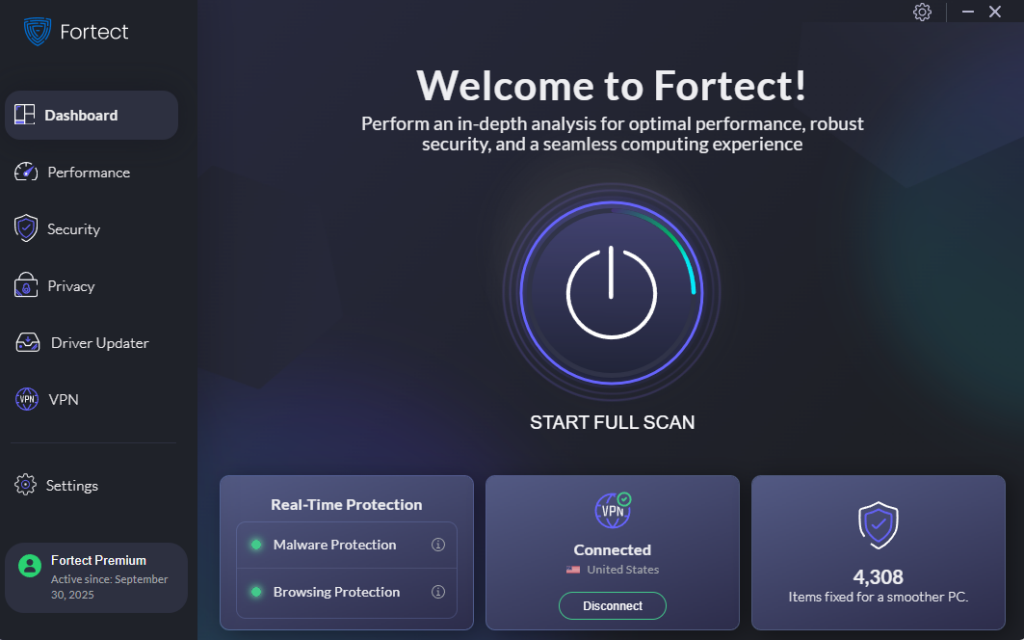
Fortect delivers advanced real-time malware protection for Windows users. It automatically scans your PC for traditional and emerging threats, including Biometric Security vs Traditional MFA: Trends & Threats, removes malicious files safely, and helps restore damaged system components for better performance. Its smart detection system monitors suspicious activity in real time and alerts users before harmful actions can spread, helping maintain strong and reliable device security.
The new Fortect Premium now includes a built-in VPN with Auto-Protect on public Wi-Fi, helping keep your connection secure even on open networks. It encrypts internet traffic to protect sensitive data from interception and reduces exposure to hackers who often exploit unsecured connections as entry points for advanced threats.
This added layer of protection works alongside modern login security approaches such as biometric security and even traditional MFA, strengthening overall defense by securing both network activity and authentication processes against evolving cyber risks.
Download and install Fortect today.
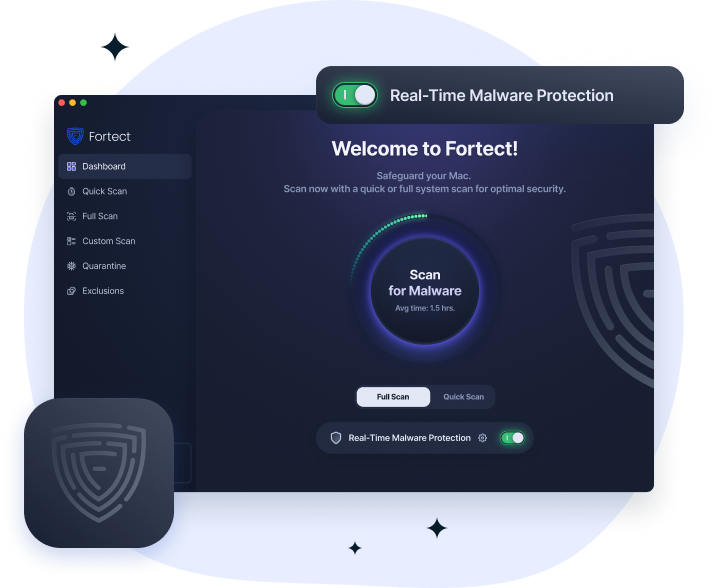
Cyber threats are no longer limited to Windows. Fortect for Mac extends protection to macOS users by defending against modern ransomware, spyware, and stealth attacks that can bypass built-in Apple security. It works alongside macOS defenses to close security gaps, offering real-time monitoring, cloud-based threat detection, and fast scanning to remove hidden malware while maintaining system performance.
Windows 10/11 Security Setup Steps
Enable Windows Hello Biometrics
- Open Settings
- Go to Accounts
- Select Sign-in options
- Choose Windows Hello Face or Fingerprint
- Follow setup prompts
Enable Multi-Factor Authentication
- Visit account.microsoft.com
- Open Security settings
- Turn on Two-step verification
- Add an authenticator app or phone verification
Restrict User Permissions
- Open Settings
- Go to Accounts > Family & other users
- Select a user account
- Set account type to Standard User
Keep Windows Updated
- Open Settings
- Go to Windows Update
- Click Check for updates
- Install updates and restart
Conclusion
Biometric security and MFA each serve different roles. Biometrics improve convenience and device-level access, while MFA strengthens account-level protection. The most secure approach combines both, along with regular system updates and controlled user access.
Biometric security and traditional MFA are both essential components of modern Windows protection. As cyber threats continue to evolve, relying on a single method is no longer enough.
For Windows 10 and Windows 11 users, combining biometric login, MFA, and system hardening creates a stronger and more resilient defense against unauthorized access.