
Online Dating Scams and Profile Hacking Risks
Finding love online has become the norm, but romance scammers and cybercriminals are exploiting dating platforms to target unsuspecting users. Online dating scams cost victims billions annually, with fraudsters using fake profiles, emotional manipulation, and hacking techniques to steal money and personal information. Understanding these threats and protecting your Windows device is essential for safe online dating.
Common Types of Online Dating Scams
Romance Scams and Catfishing
Romance scammers create fake dating profiles using stolen photos to build emotional connections with victims. These fraudsters spend weeks or months gaining trust before requesting money for fabricated emergencies, medical bills, or travel expenses. Catfishing involves someone pretending to be another person entirely, often using attractive photos and elaborate backstories to deceive targets into emotional or financial relationships.
Investment and Cryptocurrency Scams
Scammers on dating apps increasingly promote fraudulent investment opportunities, particularly cryptocurrency schemes. After establishing trust, they guide victims to fake trading platforms where deposits disappear. These pig butchering scams have become sophisticated, with scammers sharing fake profit screenshots to convince victims to invest more money before vanishing completely.
Malware and Phishing Attacks
Cybercriminals send malicious links through dating app messages, claiming they lead to photos, videos, or external chat platforms. Clicking these links can install spyware, ransomware, or keyloggers on your Windows computer, compromising passwords, financial data, and personal files. Phishing messages may also direct you to fake login pages designed to steal your dating profile credentials.
Profile Hacking and Identity Theft Risks
How Dating Profiles Get Compromised
Hackers target dating accounts through weak passwords, phishing emails, and data breaches. Once accessed, they use your profile to scam your matches, request money from connections, or steal personal information visible in your bio and photos. Compromised accounts can also be sold on the dark web or used to create additional fake profiles for scamming operations.
Personal Information Exposure
Dating profiles often contain valuable data, including full names, workplace details, location information, and photos with metadata. Scammers harvest this information to commit identity theft, create convincing fake profiles, or launch targeted attacks. Photos can be reverse-searched and reused across multiple fraudulent accounts, making you an unwitting face of romance scams.
How to Protect Your Windows Computer from Dating Scams
Strengthen Your PC Security with Fortect
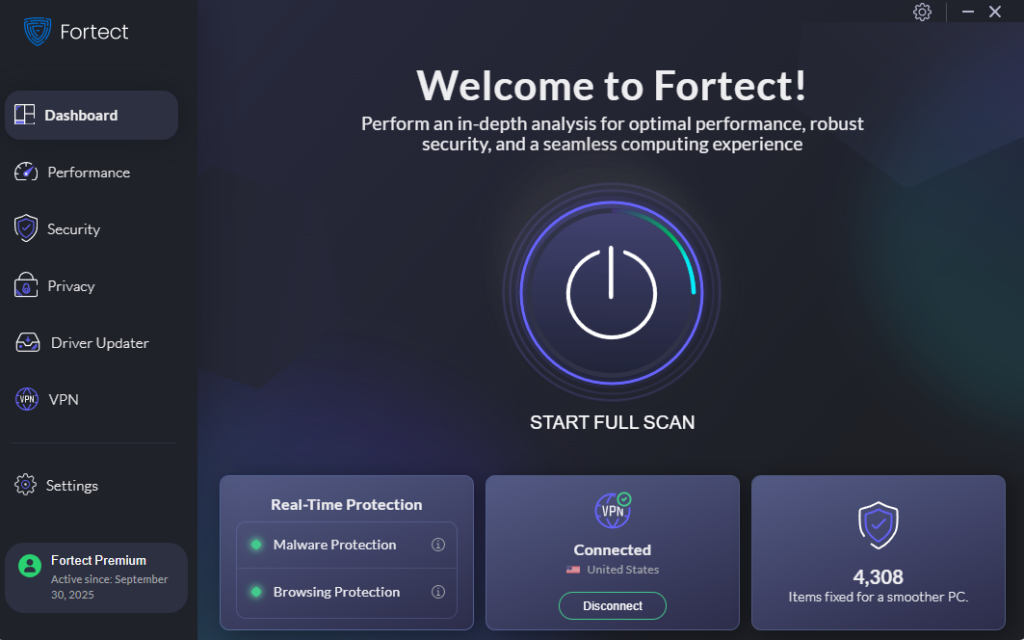
Fortect delivers advanced real-time malware protection for Windows users navigating the risks of online dating scams. It automatically scans your PC for traditional and emerging threats, including malicious links and phishing attempts from dating app scammers, eliminates them safely, and restores damaged system files for improved performance. Its smart threat-detection engine monitors suspicious activity and alerts you before harmful actions can take place, helping keep your device secure while you search for genuine connections online.
Download and install Fortect now.
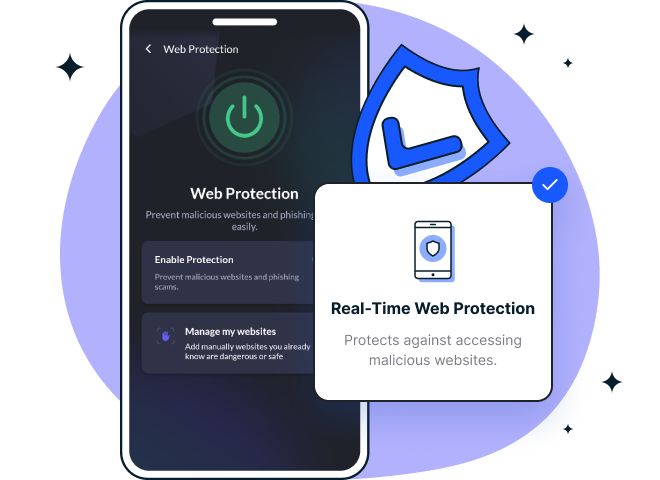
Fortect Mobile Security is now available for Android and iOS devices. I see it as a solid cross-platform solution, offering real-time web protection, network safety alerts, data breach notifications, advanced antivirus features, and system health checks. What stands out to me is its cloud-based scanning, automated issue resolution, easy-to-use dashboard, and lightweight engine designed for fast, smooth performance on both Android and iOS.
Enable Windows Security Features
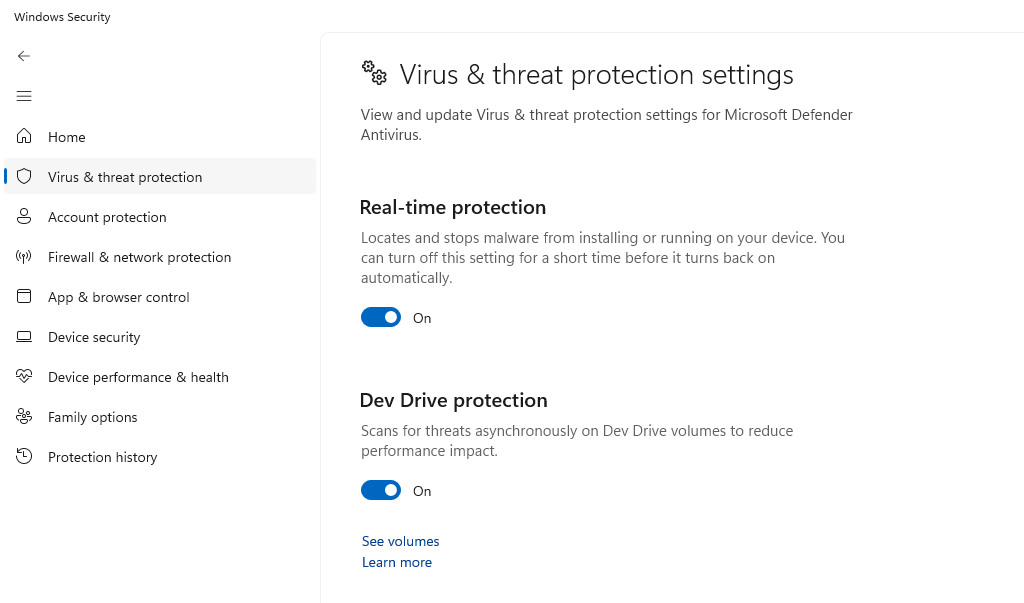
Windows 10 and 11 include built-in protection against malware and phishing attempts. Here’s how to ensure your security is optimized:
–Click the Start button and select Settings (gear icon)
–Navigate to Privacy & Security, then click Windows Security
–Select Virus & threat protection
–Click Manage settings under Virus & threat protection settings
–Ensure Real-time protection, Cloud-delivered protection, and Automatic sample submission are turned ON
–Return to Windows Security and select Firewall & network protection
–Verify that your firewall is enabled for all network types (Domain, Private, Public)
Keep Windows Updated Against Threats
Regular updates patch security vulnerabilities that scammers exploit. Follow these steps to enable automatic updates:
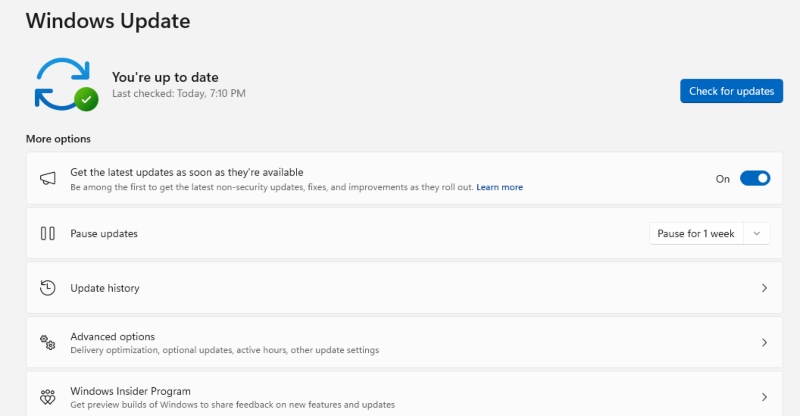
–Open Settings from the Start menu
–Click Windows Update in the left sidebar
–Select Advanced options
–Turn ON “Receive updates for other Microsoft products” and “Download updates over metered connections.”
–Under Additional options, enable “Get me up to date” for immediate security patches
–Click Check for updates to install any pending security updates immediately
Use Strong Authentication Methods
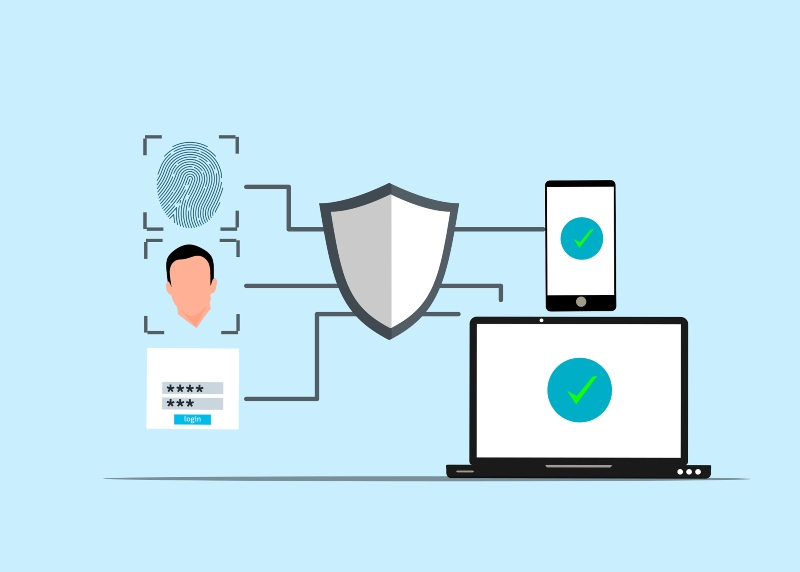
–Open Settings and go to Accounts
–Select Sign-in options
–Set up Windows Hello (facial recognition or fingerprint) if your device supports it
–Create a strong password with at least 12 characters, combining uppercase, lowercase, numbers, and symbols
–Add security questions with answers that aren’t easily guessable from your social media
Red Flags to Watch For
Never send money to someone you haven’t met in person, regardless of their story. Be suspicious of profiles with few photos, vague information, or reluctance to video chat. Scammers often move conversations off dating platforms quickly to avoid detection. Research potential matches through reverse image searches, and be wary of anyone declaring love rapidly or making requests that seem urgent or secretive.
Taking Action After a Scam
If you suspect you’ve been scammed, immediately stop all communication and report the profile to the dating platform. Contact your bank to freeze accounts and dispute fraudulent transactions. File reports with the FBI’s Internet Crime Complaint Center and the Federal Trade Commission. Run a full virus scan on your Windows computer and change all passwords using a different device if you clicked on suspicious links.
Staying vigilant and maintaining strong security practices on your Windows device dramatically reduces your risk of falling victim to online dating scams and profile hacking. Trust your instincts and prioritize safety over potential romance.



