How to Detect AI-generated Fake Audio and Video?
You can detect AI-generated fake audio and video by watching for unnatural blinking. Mismatched lip movements. And distorted background lighting. Deepfake tools have grown more convincing each year. But small technical flaws still slip through. Once you know where to look, these flaws become easy to spot.
Key Takeaways
- Unnatural blinking and stiff facial movement often signal manipulated video.
- Flat or oddly-timed audio suggests voice cloning.
- Mismatched lighting and shadows are common deepfake giveaways.
- Reverse image search and metadata tools add a layer of verification.
- Learning to detect AI-generated fake audio and video protects you from misinformation and hidden malware.
How to Detect AI-generated Fake Audio and Video
Check the Eyes and Facial Movements First
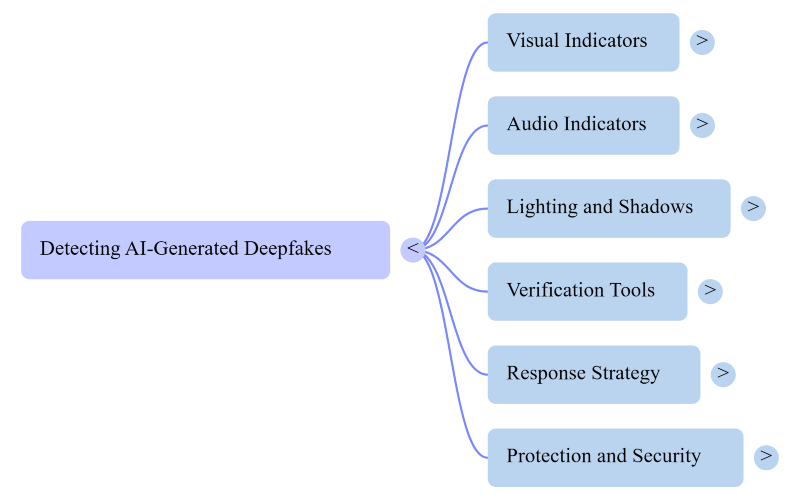
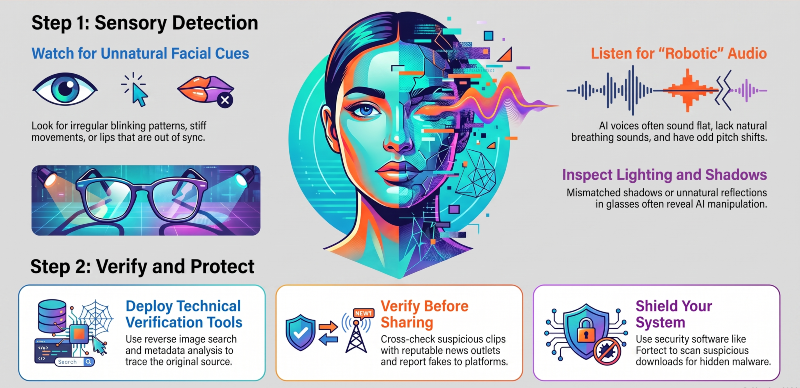
AI-generated faces often blink irregularly. Some deepfake subjects barely blink at all. Others blink too fast or too slow. Watch the eyes for unnatural stillness. Facial movements may also look stiff. Or slightly out of sync with speech. Small glitches around the mouth are common. These signs often suggest manipulation.
Listen for Unnatural Voice Patterns
Fake audio often sounds flat or robotic. Pitch and tone may shift oddly mid-sentence. Background noise sometimes disappears without explanation. Breathing sounds may be missing entirely. Real human speech includes natural pauses and imperfections. AI voices tend to sound too smooth. Listen closely for these small audio clues.
Look for Lighting and Shadow Inconsistencies
Shadows should match the light source in a scene. AI-generated video sometimes gets this wrong. A shadow might fall in the wrong direction. Lighting on the face may not match the background. Reflections in glasses or windows can reveal fakes, too. These inconsistencies are easy to miss at first. Slow the video down to check carefully.
Why AI-generated Fake Audio and Video Is Hard to Spot
AI models are trained on massive amounts of real footage. This lets them mimic human expressions closely. Newer tools remove old flaws like flickering edges. Voice cloning has also become nearly seamless. Detection now relies on subtle clues rather than obvious ones. Human judgment combined with software tools works best.
Use Reverse Image and Metadata Tools
Several tools can help confirm if content is fake. Google’s reverse image search can trace an image’s origin. Tools like Deepware Scanner analyze video for AI signatures. Metadata often reveals when and how a file was created. Missing or edited metadata can be a warning sign. These tools add a technical layer of verification. They should not replace careful visual inspection, though.
What to Do If You Suspect a Deepfake
Do not share suspicious content right away. Verify the source before reacting. Cross-check with reputable news outlets or fact-checking sites. Report clearly fake content to the hosting platform. Screenshotting and reverse-searching key frames often expose the truth. Staying skeptical protects you from spreading misinformation.
Protect Your Device While You Verify Suspicious Media
Verifying suspicious clips is only half the job. Files carrying AI-generated fake audio and video can also carry hidden malware. Fortect offers real-time protection that scans for these threats. It removes malicious files and restores damaged system files automatically. The tool also clears out junk files and crashed programs.
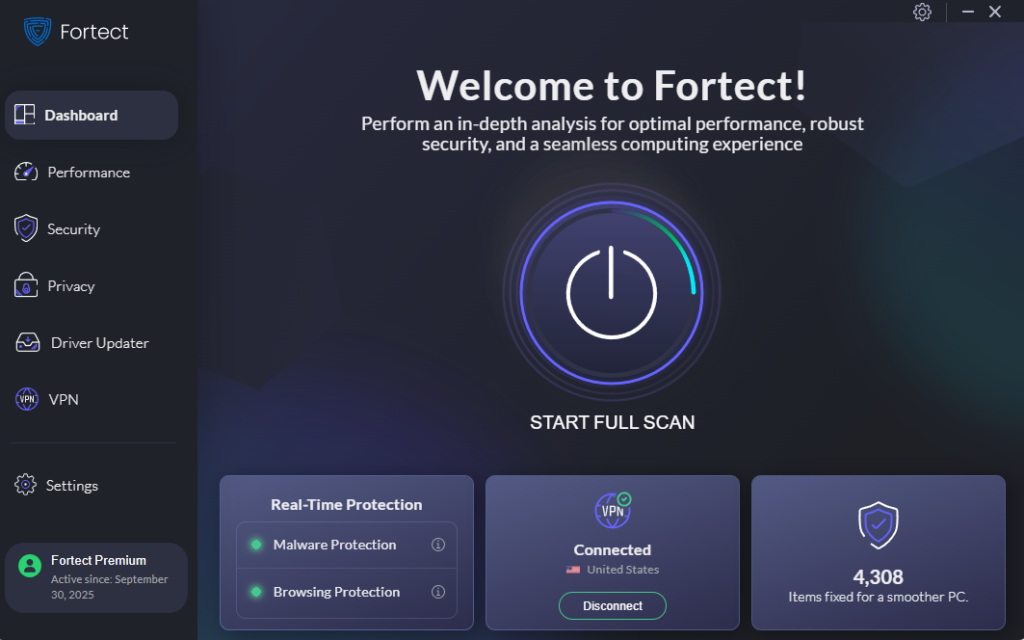
This keeps a PC running faster and smoother overall.
Fortect Premium now includes a built-in VPN with Auto-Protect on public Wi-Fi. It encrypts your internet traffic on unsecured networks, helping prevent hackers from intercepting sensitive data. Securing your connection, it also reduces the risk of cybercriminals stealing personal information that could be used in AI-generated voice or video impersonation scams.
Launching Fortect and running a scan checks installed software and drivers automatically. Anyone downloading unfamiliar video or audio files might consider running that scan. Fortect can be a helpful option for that kind of check.
Download Fortect today for your Windows system.
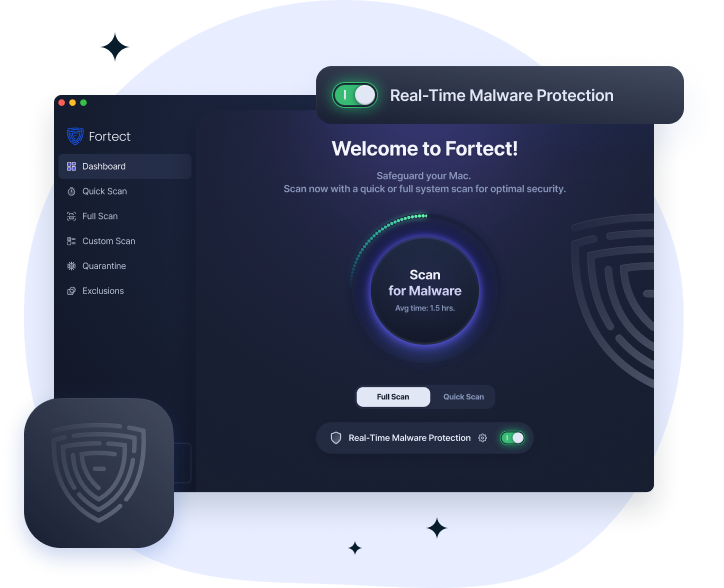
Fortect for Mac helps reduce the risk of AI-generated audio and video scams by blocking malware and spyware that can steal your photos, videos, voice recordings, and other personal data. Its real-time protection detects and stops threats before they compromise your files, while cloud-based threat intelligence quickly identifies emerging attacks.
Quick Smart Scan and Full System Scan help find and remove hidden threats, keeping your Mac and personal information secure.