
How to Avoid These 2026 Rampant Tech Support Scams
Tech support scams trick users into sharing personal information, paying for fake services, or granting criminals remote access to their devices. We can avoid these scams by using trusted security software, avoiding suspicious links and pop-ups, and verifying support requests through official company channels. We should also enable multi-factor authentication (MFA) and stay alert to urgent warnings, unsolicited calls, and unusual payment demands.
How to Protect Against Technical Support Scams
Protecting yourself from tech support scams involves a combination of awareness, vigilance, and proactive measures. Here are some effective strategies to safeguard your personal and financial information:
Use Trusted Security Software
Installing and maintaining reliable security software is your first defense against tech support scams. A good antivirus program will help detect and block malicious websites, pop-ups, and downloads that scammers use to initiate contact.
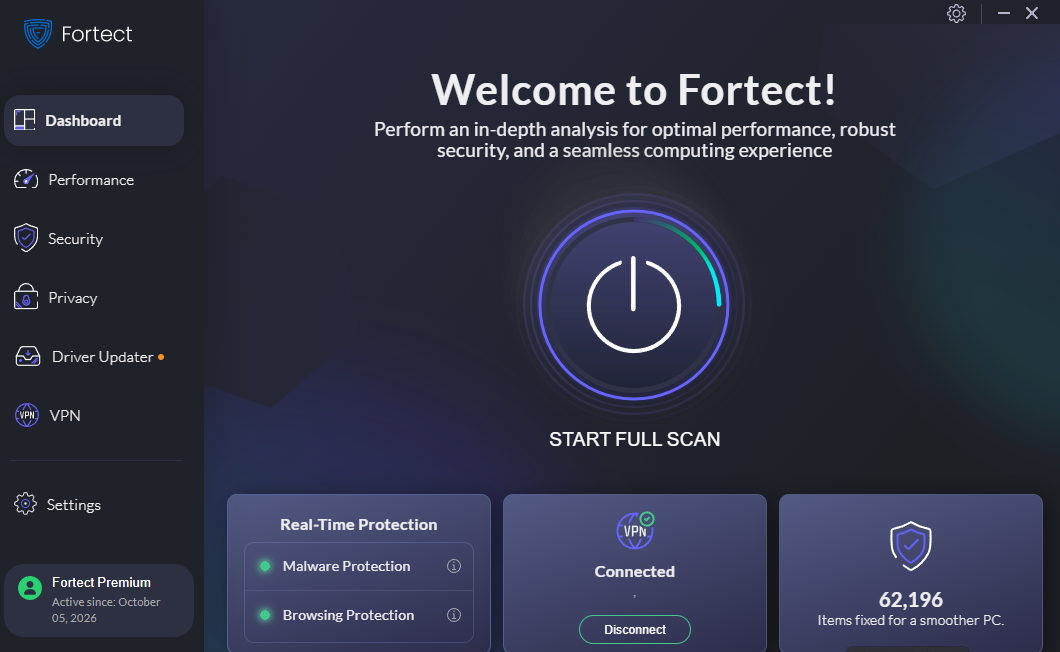
- Choose a reputable antivirus program known for its robust and automatic protection against malware and phishing attacks, such as Fortect. Fortect is a PC solution that scans and removes malware to protect against these tech support scam techniques.
- Regularly update the software with the latest virus definitions and security patches.
- Enable real-time scanning and automatic updates to protect your system from new threats.
Download and install Fortect now.
Use Fortect Browsing Protection
Our Fortect Browsing Protection Chrome extension adds another layer of defense against malicious websites and online threats. It can help reduce exposure to fraudulent websites that tech support scammers promote through suspicious emails, links, and pop-ups.
While browsing protection helps identify online threats, we should still verify unexpected billing notices and contact companies through their official support channels.
Avoid Clicking on Suspicious Links or Pop-Ups
Scammers often use misleading pop-ups or links to lure victims into calling fake tech support numbers or visiting fraudulent websites. These pop-ups may claim your computer is infected with a virus or needs urgent attention.
- Close any suspicious pop-up windows immediately without clicking any links or buttons.
- Use your browser’s built-in pop-up blocker to prevent these windows from appearing.
- Never click on links in unsolicited emails or messages, especially if they claim to be from tech support or a service provider.
Verify the Legitimacy of Support Services

Legitimate tech companies do not initiate contact with customers to provide unsolicited support. If you receive a call or message claiming to be from tech support, always verify its authenticity before taking any action.
- Look up the official customer service number on the company’s website and contact them directly to confirm whether the support call or message is genuine.
- Be wary of calls from unknown numbers, especially those that demand immediate action or request personal information.
- Do not trust caller ID alone, as scammers can spoof numbers to make them appear legitimate.
Educate Yourself and Your Employees
Knowledge is a powerful tool against tech support scams. Educating yourself and your employees about scammers’ tactics can reduce the risk of falling victim to these schemes.

- Attend webinars, read articles, and follow trusted cybersecurity sources to stay informed about the latest scam tactics and prevention methods.
- Conduct regular training sessions for employees on recognizing and responding to tech support scams.
- Encourage a culture of skepticism where employees feel comfortable questioning unusual requests for information or actions.
Use Multi-Factor Authentication (MFA)
Multi-factor authentication adds an extra layer of security by requiring users to provide two or more verification factors to access their accounts. Even if scammers obtain your password, they will still need the second factor to gain access.
- Enable MFA on all accounts that offer it, especially those with sensitive or financial information.
- Choose a unique password for each account to reduce the risk of unauthorized access.
- Use an authenticator app or SMS code as your second factor for added security.
How to Spot a Tech Support Scam?
Recognizing the signs of a tech support scam is crucial to avoid falling victim. Here are some common red flags to watch out for:
- Unsolicited Contact: Receiving an unexpected call, email, or pop-up message from someone claiming to be tech support should be an immediate warning sign. Legitimate companies typically only reach out promptly.
- Urgent or Fear-Based Language: Scammers often use scare tactics, like claiming your computer is infected or your data is at risk, to pressure you into taking immediate action.
- Requests for Personal or Financial Information: Be suspicious if a caller asks for sensitive information like your credit card number, Social Security number, or account password.
- Requests for Remote Access: Never grant remote access to your computer to someone who contacts you out of the blue. Scammers often use this access to steal your information or install malicious software.
- Demands for Payment: Tech support scammers may request payment through gift cards, wire transfers, or cryptocurrency. Legitimate companies do not demand payment this way.
Frequently Asked Questions
Tech support scams trick users into sharing personal information, paying for fake services, or granting criminals remote access to their devices. We can avoid these scams by using trusted security software, avoiding suspicious links and pop-ups, and verifying support requests through official company channels. We should also enable multi-factor authentication (MFA) and stay alert to urgent warnings, unsolicited calls, and unusual payment demands. In this guide, we explain how to recognize tech support scams and protect our devices, accounts, and financial information.
We should watch for unsolicited calls, suspicious pop-ups, urgent warnings, requests for remote access, and demands for passwords, financial information, or unusual payment methods.
We should end the call, ignore suspicious messages, and close fraudulent pop-ups without clicking their links. If we need assistance, we should contact the company through its official website or customer support number.
Yes. Reputable antivirus software can help detect malware, block malicious websites, and identify certain phishing threats. However, we should also verify support requests, avoid suspicious links, and never grant remote access to unsolicited callers.
Written by: Menzi Sumile
Reviewed by: Amit
Updated: October 2026




