
SOLVED: AI-Created Social Media Accounts for Cybercrime
AI-generated profiles are no longer just harmless bots; they’re now actively used in scams, identity theft, and manipulation campaigns. If you’re a regular Windows user, understanding how AI-created social media accounts work and how to protect yourself is no longer optional. In this guide, I’ll break down what’s happening, why it matters, and exactly how you can stay safe on your Windows 10/11 device.
What Are AI-Created Social Media Accounts?

AI-created social media accounts are fake profiles built using artificial intelligence tools. These tools can generate realistic profile photos (that don’t belong to real people), human-like bios and posts, and automated conversations that feel natural. In many cases, these accounts are powered by AI chat systems that can respond instantly, making them harder to detect than traditional bots.
Why Cybercriminals Use Them
These accounts are commonly used to run romance scams, spread phishing links, promote fake investments, and execute long-term social engineering scams. They’re effective because they mimic real human behavior almost perfectly.
Common Signs of AI-Generated Accounts
- Profile Red Flags: Watch out for photos that look overly polished or slightly distorted, newly created accounts with little activity, and generic usernames with random numbers.
- Behavior Patterns: You may notice instant or unusually fast replies, repetitive or scripted responses, and refusal to verify identity through calls or video. If the interaction feels unnatural, trust your instincts.
Risks for Windows Users
- Data Theft and Malware: Engaging with these accounts can expose you to malicious downloads, fake login pages, and spyware or tracking tools.
- Identity Exploitation: Even casual conversations can reveal personal details, contact information, and online habits. This data is often used to launch more targeted attacks.
How to Guide: Protect Yourself on Windows 10/11
Keep Your System Updated
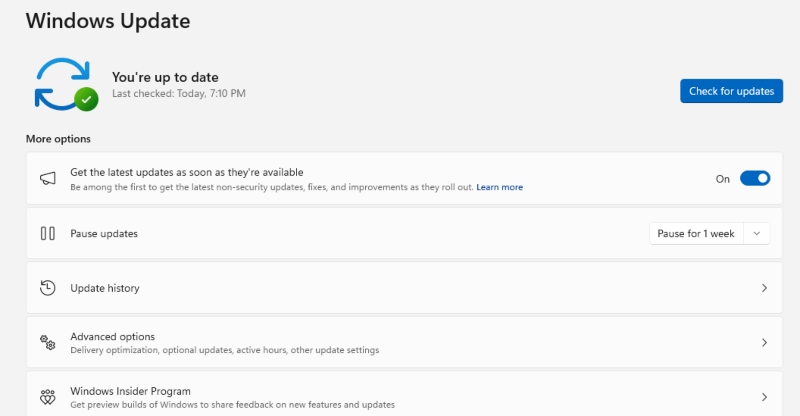
Outdated systems are easier to exploit because they lack critical security patches. Keeping Windows updated ensures vulnerabilities are fixed before attackers can use them against you.
Steps to Update Windows:
- Press Windows + I to open Settings
- Click Update & Security
- Select Windows Update
- Click Check for updates
- Install updates and restart your PC
Use Built-In Security Features
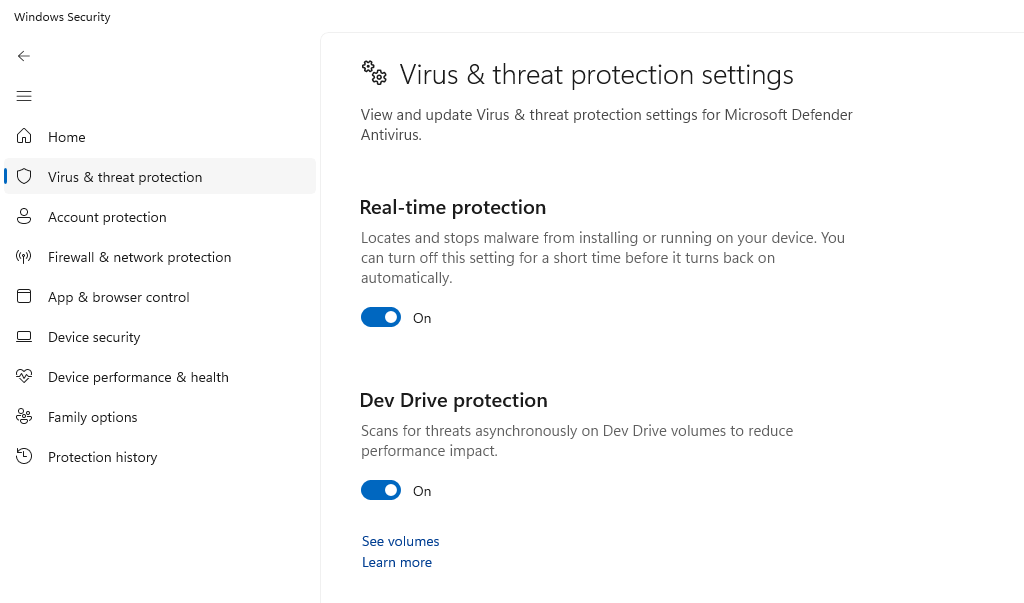
Windows includes strong protection tools, but they only work if they’re enabled and properly configured.
Enable Microsoft Defender:
- Open Settings
- Go to Privacy & Security
- Click Windows Security
- Select Virus & Threat Protection
- Turn ON Real-time protection
Avoid Suspicious Links and Messages
Be cautious when messages ask for personal or financial details, include unknown or shortened links, or create urgency and pressure. If you’re unsure, it’s always safer not to click.
Strengthen Your Account Security
Protect your accounts by using strong, unique passwords, enabling Two-Factor Authentication (2FA), and avoiding logins on public or shared devices whenever possible.
Restrict Unknown App Permissions
Limiting app permissions reduces the risk of hidden malware accessing sensitive features like your camera or microphone.
Steps to Review Permissions:
- Open Settings
- Go to Privacy & Security
- Select Camera, Microphone, or other permissions
- Disable access for untrusted apps
Strengthen Your PC Security with Fortect
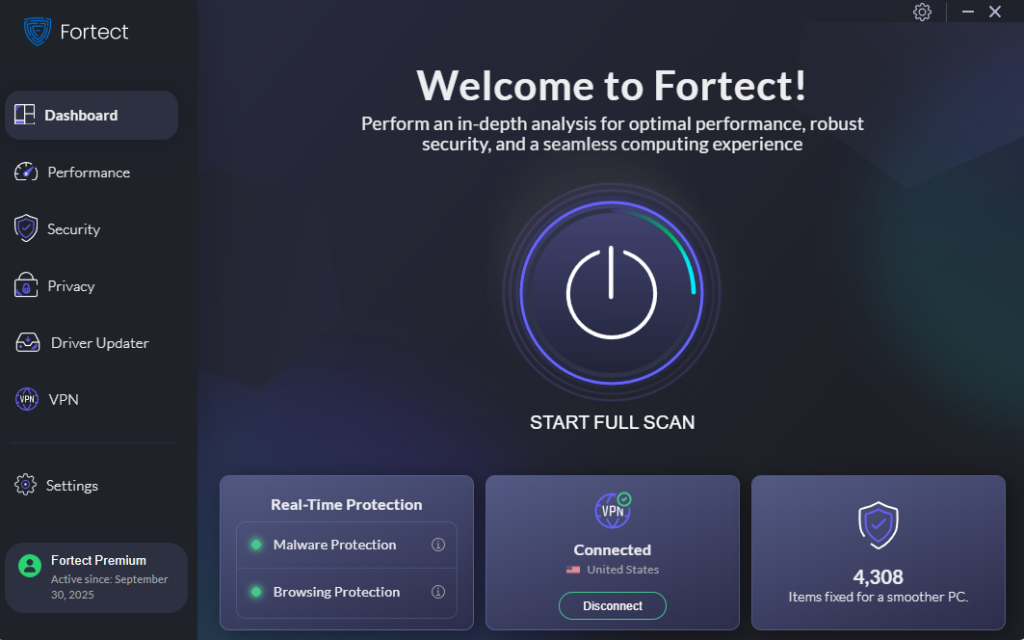
Fortect delivers advanced real-time malware protection for Windows users. It automatically scans your PC for traditional and emerging threats, including AI-created social media accounts, eliminates them safely, and restores damaged system files for improved performance. Its smart threat-detection engine monitors suspicious activity and alerts you before harmful actions can take place, helping keep your device secure and running efficiently.
Download and install Fortect for your Windows systems today.
Fortect for Mac: Protect Against AI-Created Social Media Threats
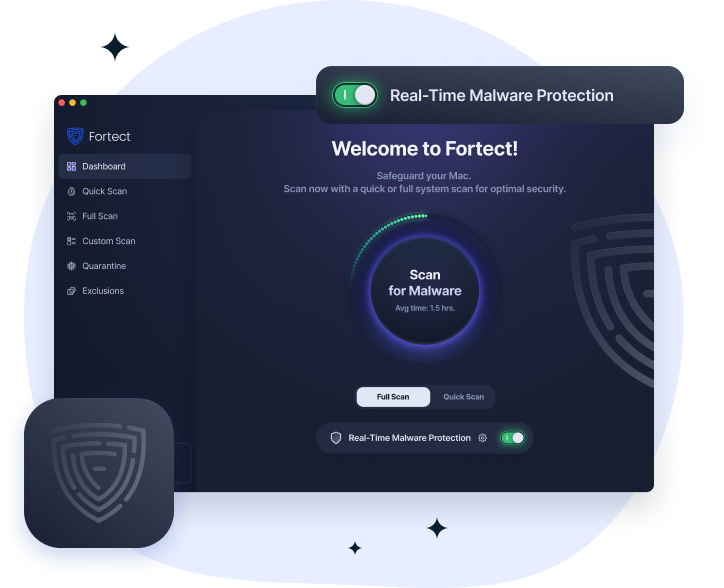
Cybercriminals are evolving fast, and their scams now target Mac users through AI-created social media accounts and other stealth attacks. Fortect doesn’t just protect Windows; it now supports Mac, recognizing that modern malware, phishing, and social engineering schemes often bypass traditional macOS defenses. Fortect for Mac works alongside Apple’s built-in security, filling critical gaps and providing real-time protection against threats you might not even notice, keeping your system safe from malicious links, AI-driven scams, and compromised files.
How to Report AI-Created Fake Accounts
On Social Media Platforms
To report suspicious profiles, open the account profile, click the menu (three dots), select Report, and choose Fake account or scam. Reporting helps limit the spread and protects other users.
Why Awareness Is Your Best Defense
AI technology is advancing quickly, and cybercriminals are taking full advantage of it. What makes AI-Created Social Media Accounts especially dangerous is how believable they’ve become. From my perspective, once you understand the patterns, spotting them becomes much easier, and that awareness is your first line of defense.
At the end of the day
AI-generated accounts are already being used in real-world cybercrime, targeting everyday users. The good news is that with a secure Windows setup and cautious online behavior, you can significantly reduce your risk. Stay alert, keep your system updated, and don’t trust a profile just because it looks real.


