Pig Butchering Scam: Signs & Prevention Tips
The Pig Butchering Scam is one of the fastest-growing online fraud schemes targeting everyday users. It blends romance, trust-building, and fake investment opportunities, often leaving victims with devastating financial losses. If you use a Windows PC for social media, messaging, or crypto apps, you’re a prime target. I’ll walk you through how it works, the warning signs, and practical steps you can take to stay protected.
What Is a Pig Butchering Scam?
A Pig Butchering Scam (also called “sha zhu pan”) is a long-term fraud where scammers build a relationship with you, usually through dating apps, social media, or messaging platforms, before convincing you to invest in fake opportunities.
How It Works
A scammer contacts you and starts a friendly or romantic conversation. They build trust over days or weeks, then introduce a “profitable” investment (often crypto or forex). You’re guided to a fake website or app where you may see fake profits at first. When you invest more, your money disappears. This method works because it doesn’t feel like a scam; it feels personal.
Common Signs of a Pig Butchering Scam
Recognizing early warning signs can save you from serious financial loss.
- Too Good to Be True Returns: Guaranteed profits with little or no risk, along with claims of insider knowledge or exclusive platforms, are major red flags.
- Fast Emotional Connection: The person quickly becomes affectionate or overly friendly and may avoid video calls or make excuses.
- Push to Invest: They introduce investment opportunities early and pressure you to act fast so you don’t “miss out.”
- Unknown Platforms or Apps: You’re asked to use unfamiliar websites or download unknown apps that are not listed on trusted sources.
- Withdrawal Issues: You’re unable to withdraw funds or are asked to pay extra fees or taxes to “release” your money.
Why Windows Users Are Targeted
As a Windows user, you likely use browsers for trading or crypto platforms, install apps outside the Microsoft Store, and store sensitive data like passwords or banking details. Scammers take advantage of this by sending phishing links, encouraging unsafe downloads, and exploiting outdated systems.
How to Prevent Pig Butchering Scams
Staying safe comes down to awareness and securing your system.
- Verify Before You Trust: Search the person’s name and photos online, reverse image search their profile picture, and be skeptical of anyone discussing investments too soon.
- Avoid Unknown Investment Platforms: Only use well-known, regulated platforms, check reviews from trusted sources, and never trust links sent via chat.
- Never Send Money to Strangers: Avoid sending money via crypto, gift cards, or wire transfers. Once sent, it’s almost impossible to recover.
How to Secure Your Windows 10/11 PC
Strengthen Your PC Security with Fortect
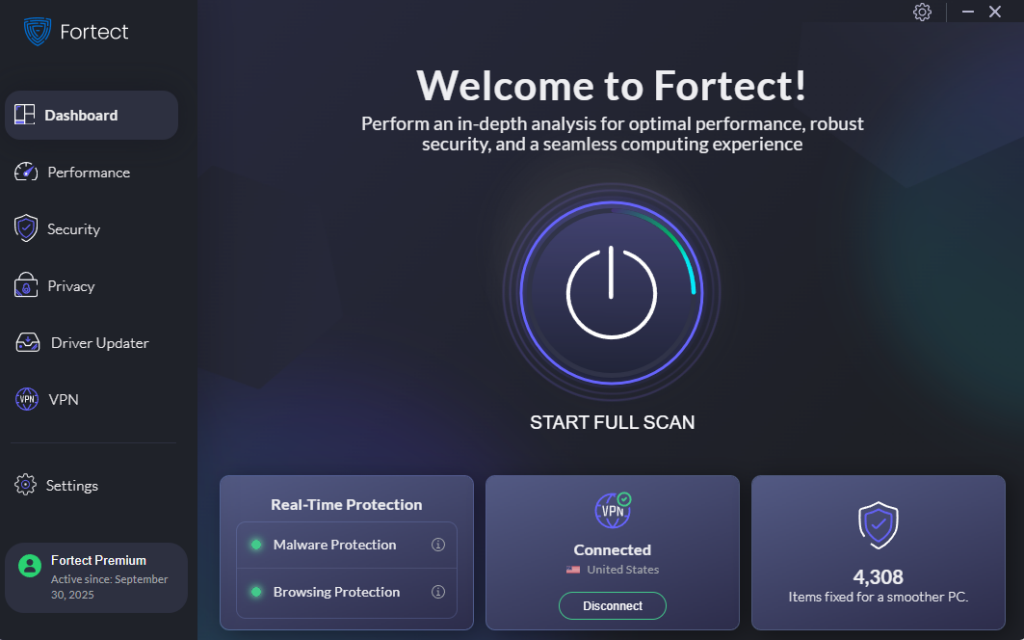
Fortect delivers advanced real-time malware protection for Windows users. It automatically scans your PC for traditional and emerging threats, including pig butchering scam-related malicious files and links, eliminates them safely, and restores damaged system files for improved performance. Its smart threat-detection engine monitors suspicious activity and alerts you before harmful actions can take place, helping keep your device secure and running efficiently. Keeping your Windows system secure is critical when dealing with scams that rely on malicious links, fake platforms, and hidden downloads.
Download and install Fortect today.
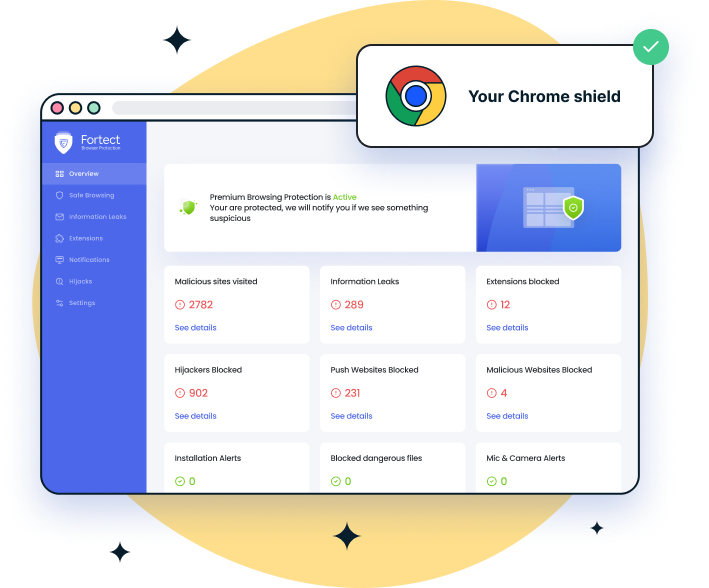
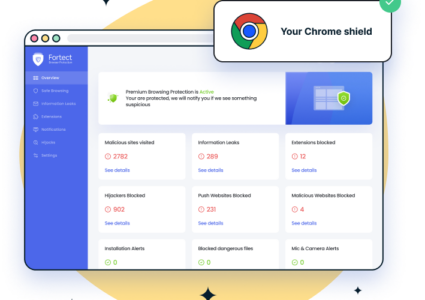
For Chrome users, this easy-to-use extension adds an extra layer of protection against the Pig Butchering Scam. Fortect Browsing Protection helps block malicious websites before they fully load, warns you about suspicious pages often used in scam schemes, and removes harmful extensions that could put your personal and financial data at risk.
Keep Windows Updated
Outdated systems are easier to exploit. Updates patch security vulnerabilities that scammers may use.
Steps to Update Windows 10/11
- Press Windows + I to open Settings
- Click Update & Security (Windows 10) or Windows Update (Windows 11)
- Select Check for updates
- Click Download and install
- Restart your PC if required
Enable Built-in Security Features
Windows includes powerful protection tools that many users overlook.
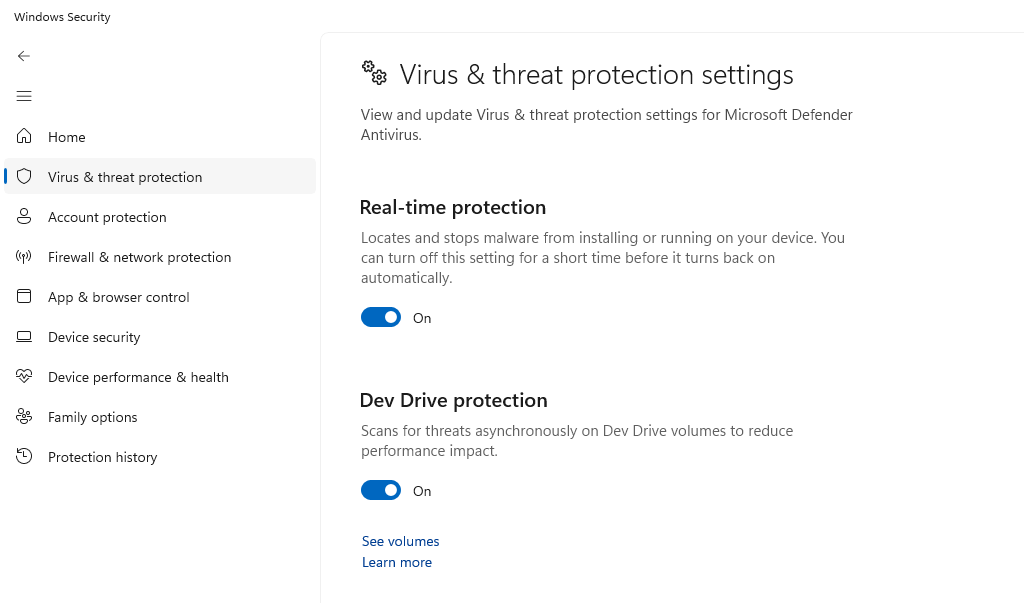
Turn On Windows Security
- Open Start Menu and search Windows Security
- Click Virus & threat protection
- Ensure Real-time protection is ON
Enable Firewall
- Go to Control Panel
- Click System and Security
- Select Windows Defender Firewall
- Click Turn Windows Defender Firewall on or off
- Enable it for both private and public networks
Avoid Suspicious Downloads
Many pig butchering scams rely on fake apps to access your device. Only download from official websites or the Microsoft Store, avoid unknown installers or shared files, and scan files before opening.
Use Strong Passwords and 2FA
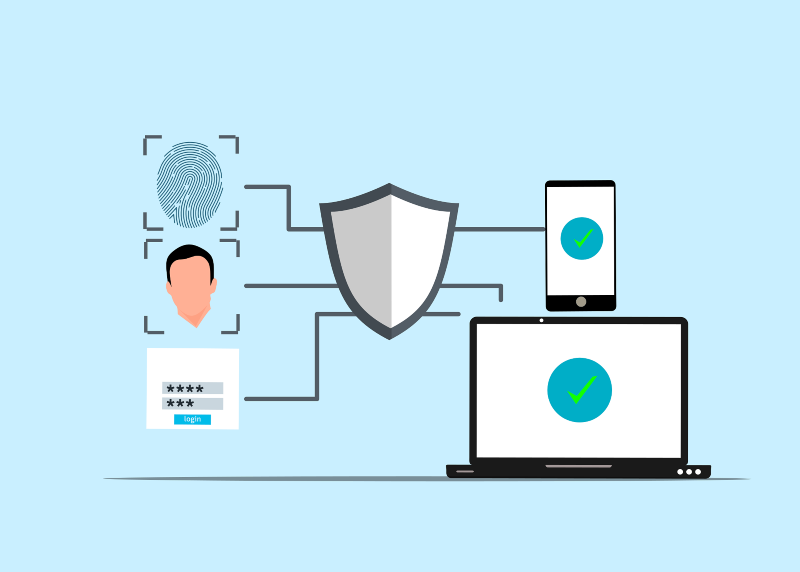
If scammers gain access to your accounts, they can cause serious damage. Use unique passwords for each account, enable Two-Factor Authentication (2FA) on email, banking, and crypto apps, and consider using a password manager.
What to Do If You’re Targeted
If you suspect a Pig Butchering Scam, act quickly to limit damage.
Stop All Communication
Block the person on all platforms and do not send more money.
Secure Your Accounts
Change passwords immediately and enable 2FA if not already active.
Report the Scam
Report the profile on the platform you were contacted on, notify your bank or payment provider, and report to local cybercrime authorities.
Conclusion
The Pig Butchering Scam succeeds because it feels real, built on trust, emotion, and patience. That’s exactly why awareness and system security matter. From my perspective, many users underestimate how convincing these scams can be. The safest approach is to stay cautious, verify everything, and never rush into financial decisions, especially when they come from someone you’ve only met online.
Scam-Related Article Reads for your Windows Systems:
Data Exfiltration
Sideloaded App Malware
Unauthorized Code Execution